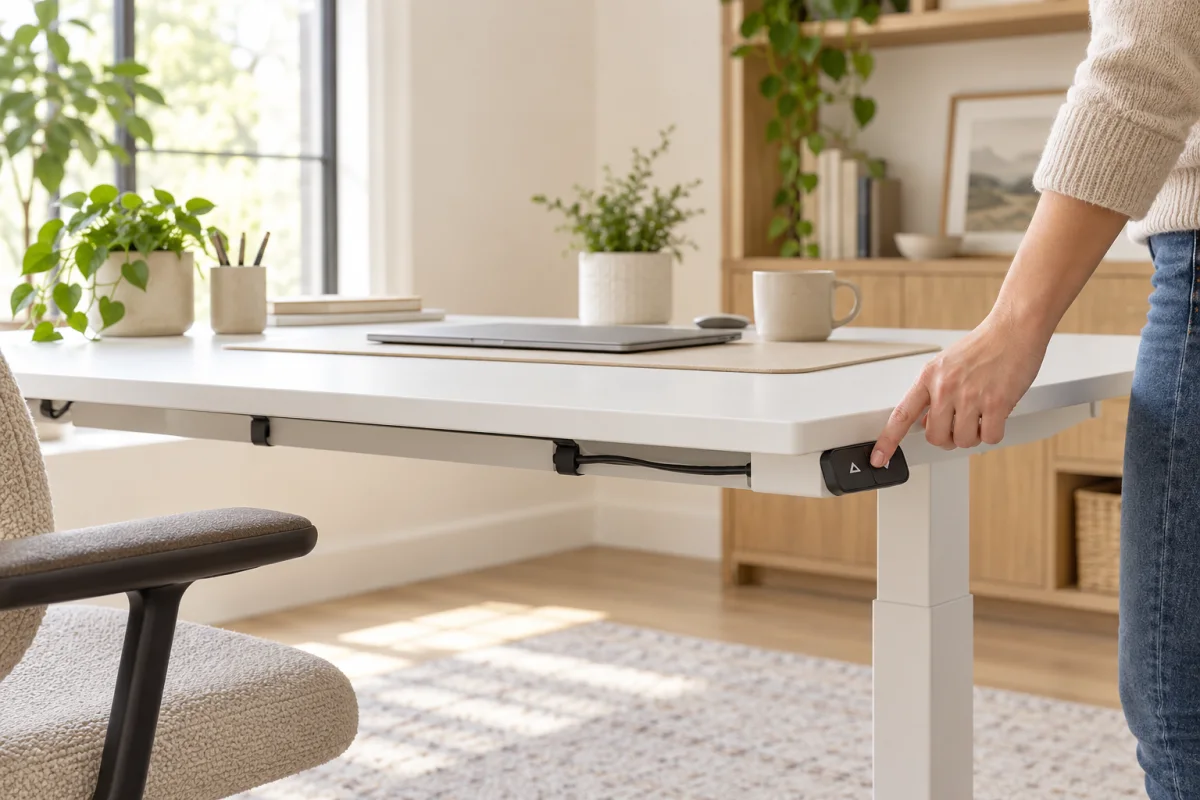
To reset a standing desk, use the reset procedure for its exact controller or handset. Many electric desks require the desktop to travel to a lower limit and then require a button to remain pressed until the controller registers that position, but button combinations and signals differ between brands and control boxes. There is no universal reset sequence.
Before trying one, find the desk’s manual, model number or manufacturer support page. A reset can recalibrate travel limits; it usually will not repair a damaged cable, failing motor or mechanical obstruction.
What a reset does—and what it does not do
A standing desk’s control box coordinates the handset and lifting columns. After a power interruption, some controllers lose their reference position or show an error. A manufacturer’s reset procedure can tell that controller where the desk’s lower limit is.
A reset is different from saving a preferred height. It is also different from “unlocking” the keypad, correcting a user-height memory, or diagnosing an overloaded frame. If you use the wrong button combination, you may change a setting without solving the cause.
Before you reset the desk
- Identify the model. Look for a label under the desktop or frame, and note the control handset’s buttons and any displayed code.
- Read the matching manual. A reset sequence for a similar-looking handset may belong to a different control box.
- Clear the travel path. Remove boxes, chairs and cables from beneath and above the desk. Check that the desktop will not hit a shelf, windowsill or monitor arm.
- Unload and stabilize the desk. Move fragile or heavy objects that could fall, and do not lean on the desk while it moves.
- Check the simple connections. Make sure the power lead is seated at the wall and control box and the handset lead is connected as described in the manual. Do not open the control box or handle exposed wiring.
- Stop if you see damage. A pinched cable, bent frame, burning smell, unusual heat or grinding sound is a reason to unplug if the manual says it is safe and contact the manufacturer.
If the desk is under warranty, contact the seller or manufacturer before trying an unfamiliar procedure.
How to perform the model-specific reset
The exact steps below depend on your manual, so treat this as a framework rather than a universal button recipe:
- Read the reset section completely before moving the desk.
- Put the desk in the starting position specified by the manufacturer. Many systems request the fully lowered position; some require a different position.
- Press and hold the designated down or reset control for the documented length of time.
- Watch and listen for the specific confirmation described by that manufacturer. It might be a display change, a short movement, or a particular sound; do not infer success from a sound alone.
- Release the key when the instructions say to release it. Do not keep holding a control after the desk has stopped or reached a limit unless the manual explicitly instructs you to.
- Test one small, ordinary height adjustment with the area still clear. Then confirm any saved memory positions separately, if the desk supports them.
UPLIFT Desk’s own troubleshooting page, for example, describes its reset process and links to model-specific error help. That is useful for an UPLIFT desk; it is not a substitute for another maker’s manual.
The desk moves but the keypad still shows an error
Write down the code exactly and consult the manual for that handset and frame. Similar codes can mean different things on different control systems. Check only the manufacturer-approved items, such as a loose external cable or a documented obstruction reset. Do not open the electrical housing, switch motor connectors at random, or repeatedly power-cycle a frame that reports a fault.
If the desk reaches its limit, pauses or runs unevenly, stop testing. A reset will not correct a mechanical problem such as a jammed lifting column, damaged leg or wiring fault. Contact the maker with the model, error code, what happened immediately before the problem and the steps already tried.
The desk will not move at all
Use the manufacturer’s troubleshooting flow in order:
- Check whether the handset is locked or displaying a specific code.
- Confirm the power source and external cable connections specified in the manual.
- Check for a documented overload, collision or temperature protection state.
- Try a reset only if the exact model’s instructions say it is appropriate.
Do not swap control boxes, power supplies or motor leads with parts from a different desk. The connector may fit while the wiring and voltage do not.
How to prevent another reset
Keep the moving path clear, route cords so they cannot snag, distribute loads as the desk manual recommends, and avoid leaning hard on one side while it moves. If the desktop or frame begins to rock, check fasteners and feet only as the maker instructs. Save memory heights after you have confirmed that the desk travels smoothly through its normal range.
FAQ
Do all standing desks reset by holding the down button?
No. That procedure is common on some controllers, but reset steps depend on the handset and control box. Follow the manual for the exact desk.
How long should I hold the reset button?
Use the time specified in your manual. Holding a button longer is not a reliable way to make an undocumented procedure work.
Does resetting erase my saved heights?
It depends on the controller. Check the manual for whether reset affects saved memory positions, then record useful positions if the maker advises it.
Why does my standing desk display an error after a reset?
The code may point to an obstruction, motor, cable or controller issue, or the reset may not have completed. Use the exact model’s error table and contact the manufacturer if the code persists.
Should I unplug the standing desk before resetting it?
Only if the manufacturer’s procedure tells you to unplug it. Reset steps may require power. Never handle damaged wiring or open a powered controller.
Related desk-setup guides
Once the desk moves normally again, our home-office setup guide covers the surrounding workstation. If the frame cannot be repaired and you are considering a different type of workstation, see the overview of standing desk converters for that separate decision.
Sources
- UPLIFT Desk: Reset, stability and troubleshooting — one manufacturer’s model-specific procedure and errors.