
How to improve your desk setup: 6 practical upgrades.
Start with the friction in your routine, then improve screen height, lighting, cable access and storage.
Read the storyDeskSetup Lab · Field note 001
An editorial guide to the objects around your workday — what earns its place, what does not, and why the small choices matter.
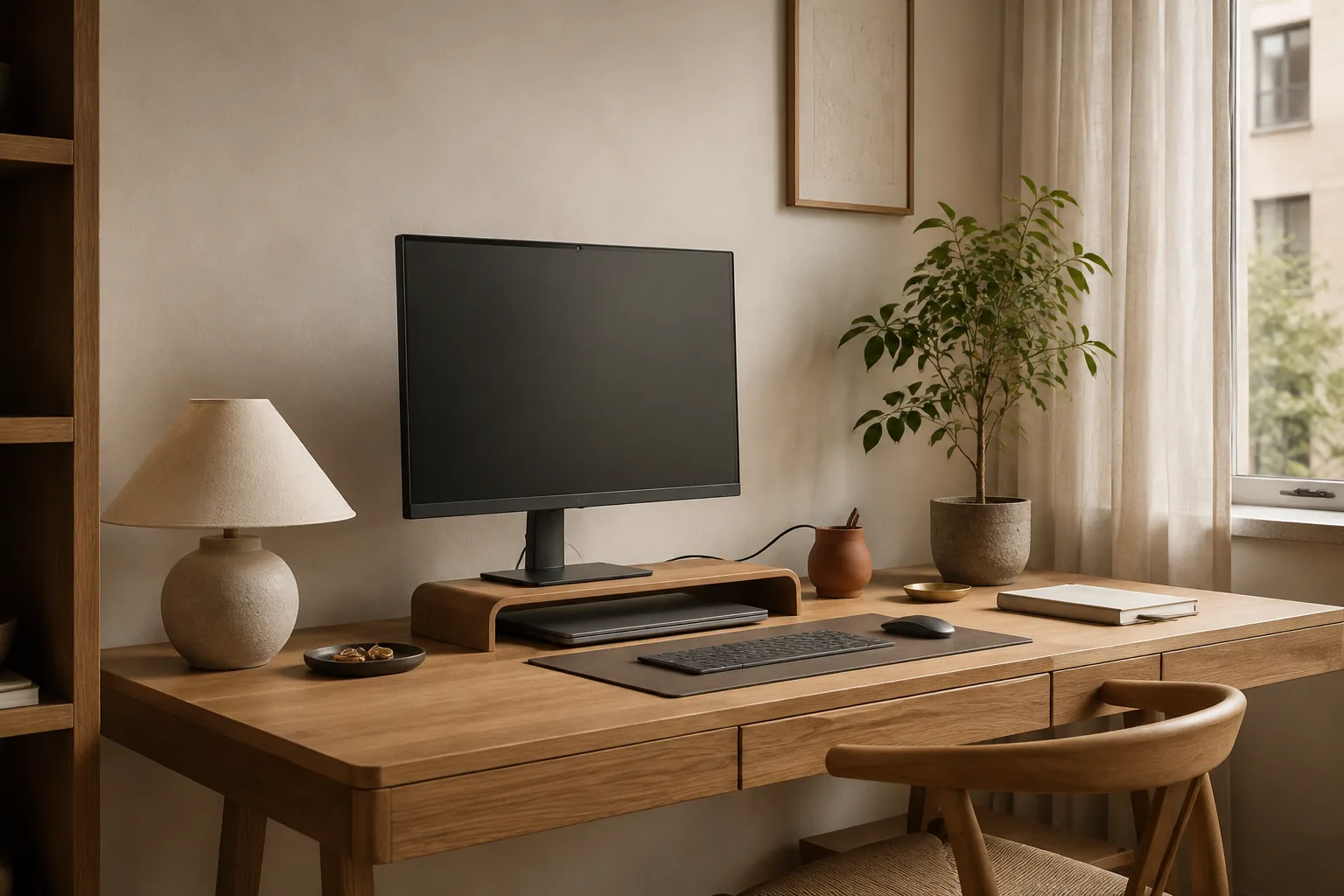
01 / The desk edit
A visual shortlist for every corner of the desk. Start with an everyday problem, then open a guide for the details that make a choice worth making.
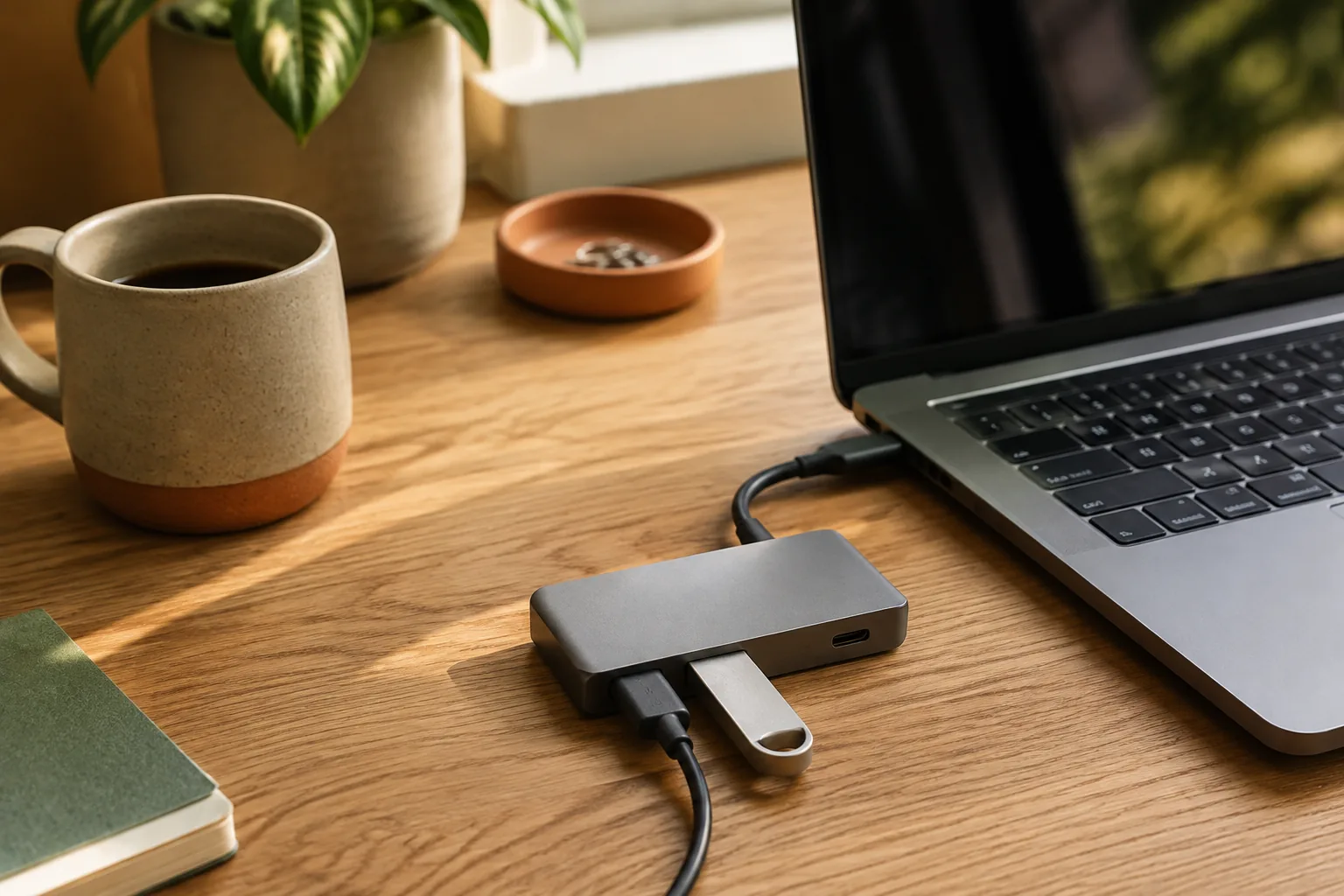 01Editor's pick
The one-cable question: ports, power delivery and a setup that stays tidy.
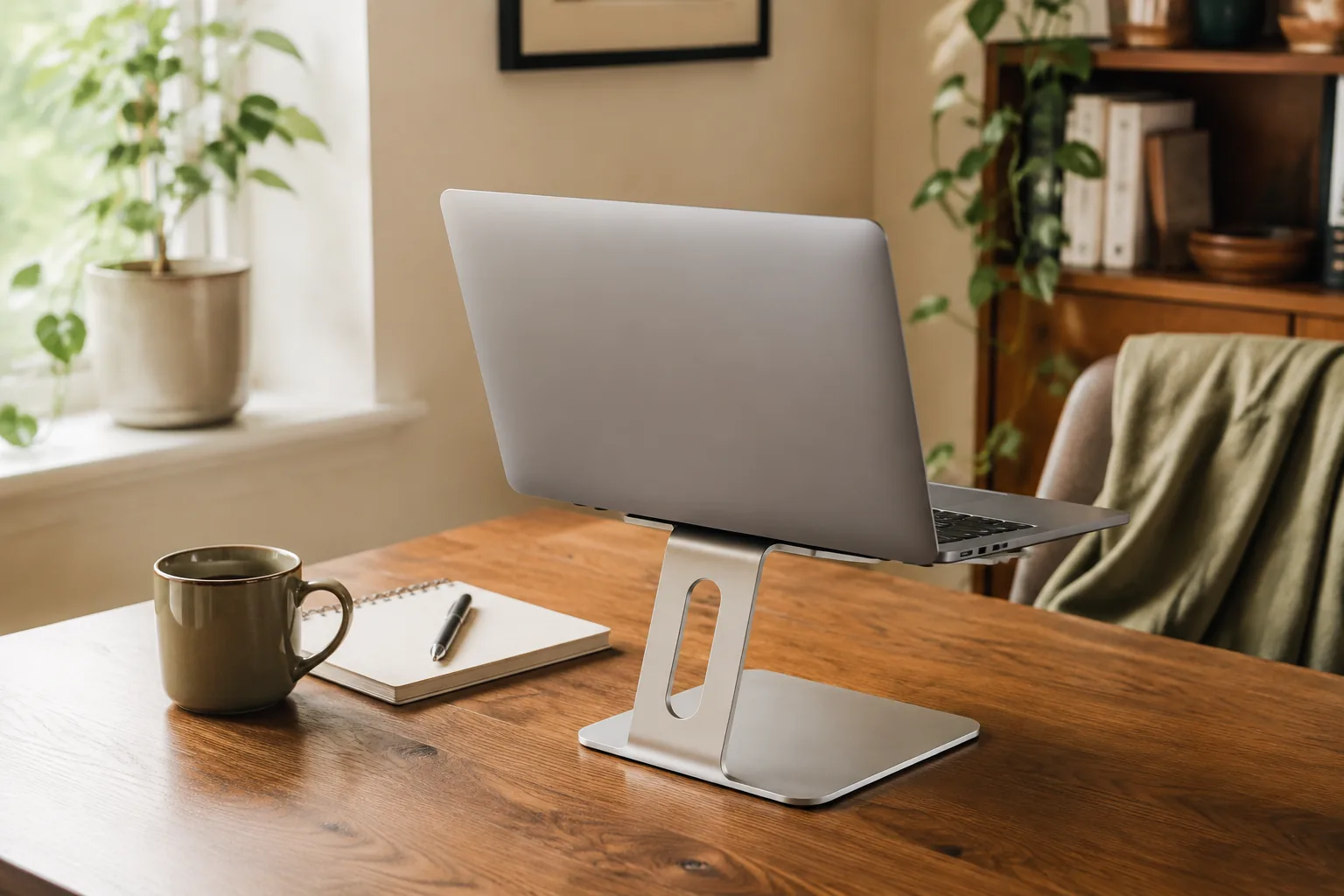 02Ranked guide
Raise the screen, reclaim the posture and make a small desk feel intentional.
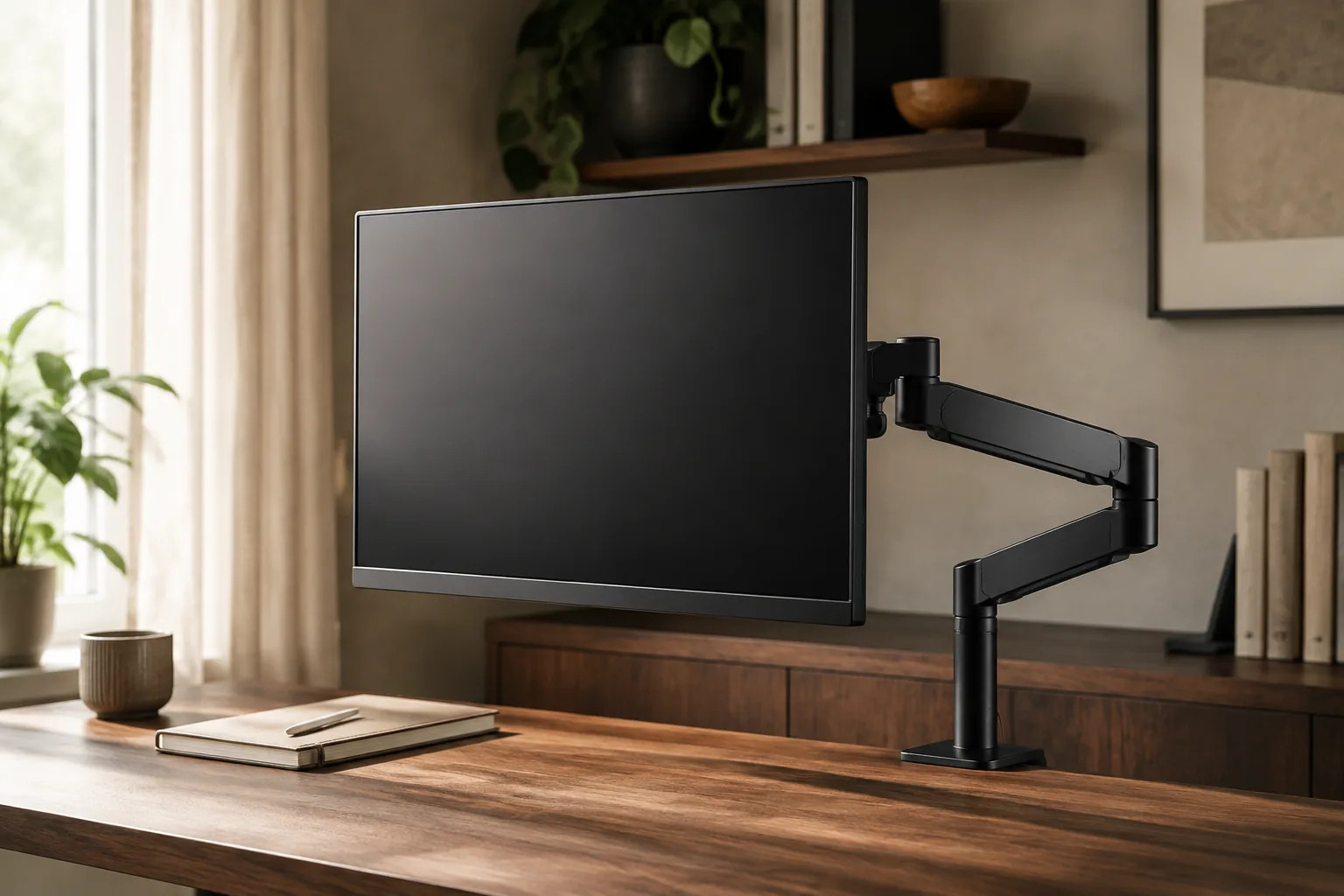 03Ranked guide
Free the desk surface. Compare reach, stability, VESA fit and the sweet spot for one, two or three screens.
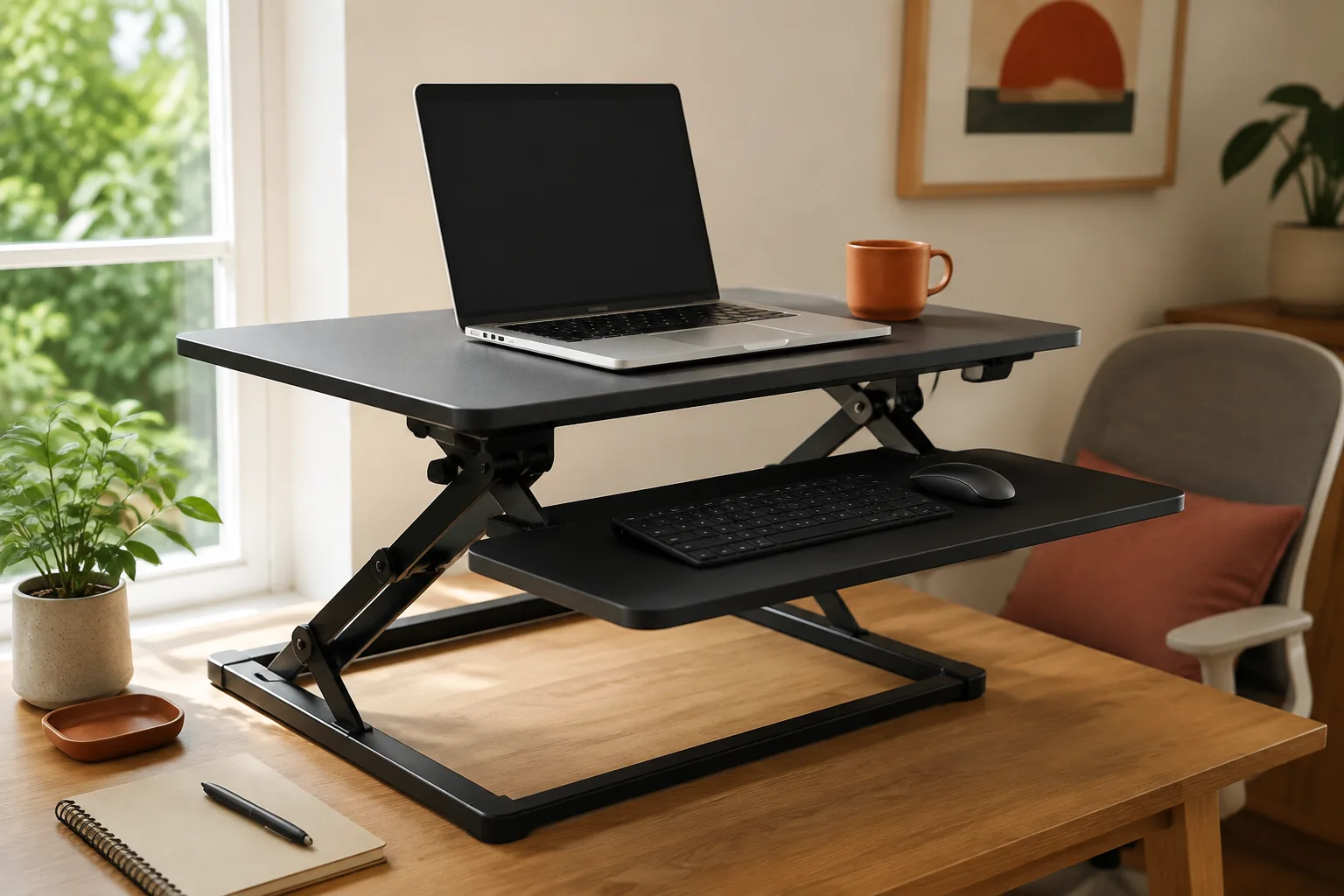 04Ranked guide
A practical lift for sit-stand rhythm without replacing the whole desk.
 05Ranked guide
Light that helps the work without turning the desk into a showroom.
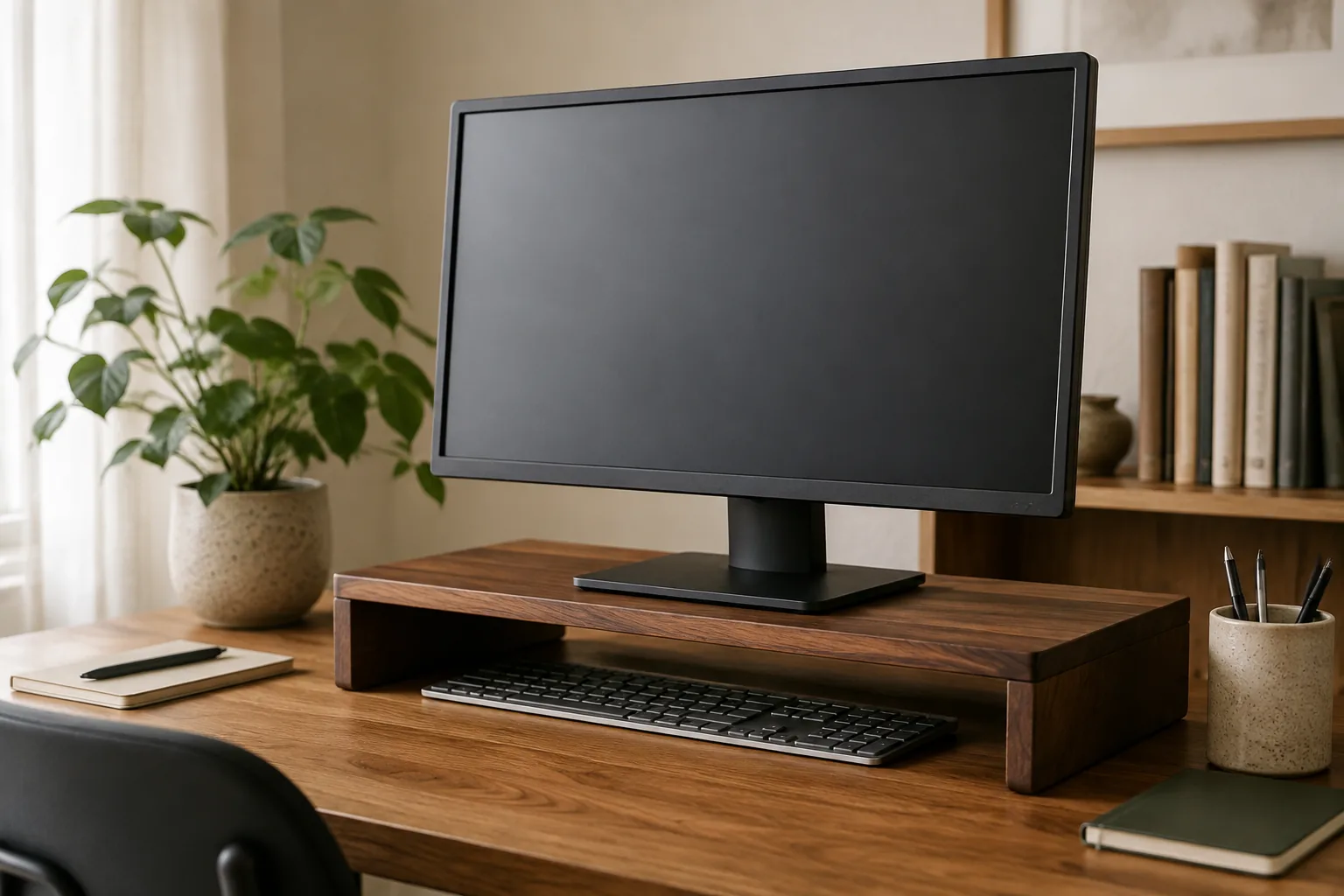 06Ranked guide
Height, storage and a cleaner line of sight for compact worktops.
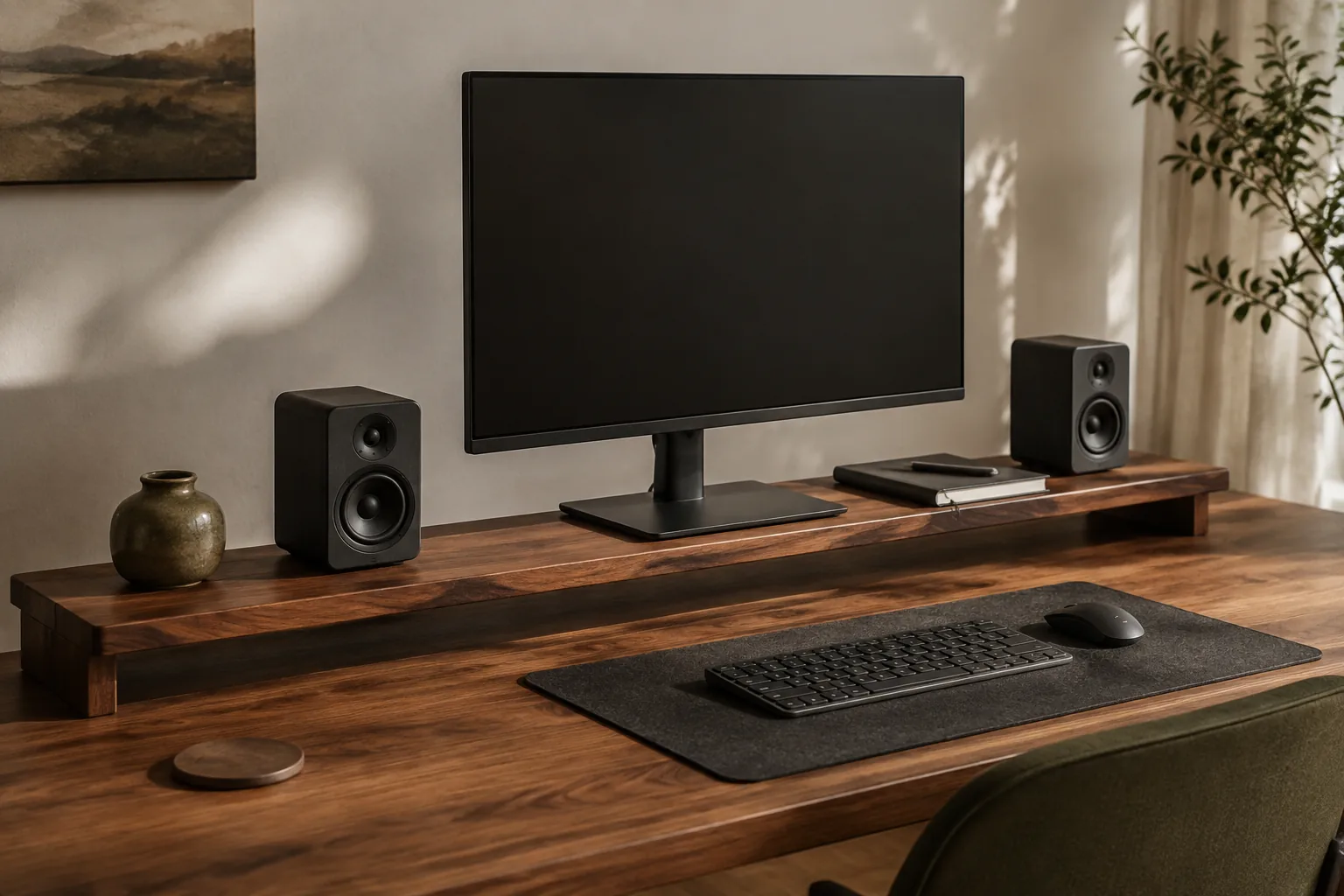 07Ranked guide
Turn the unused air behind the monitor into a useful second layer for speakers, notebooks and the little things.
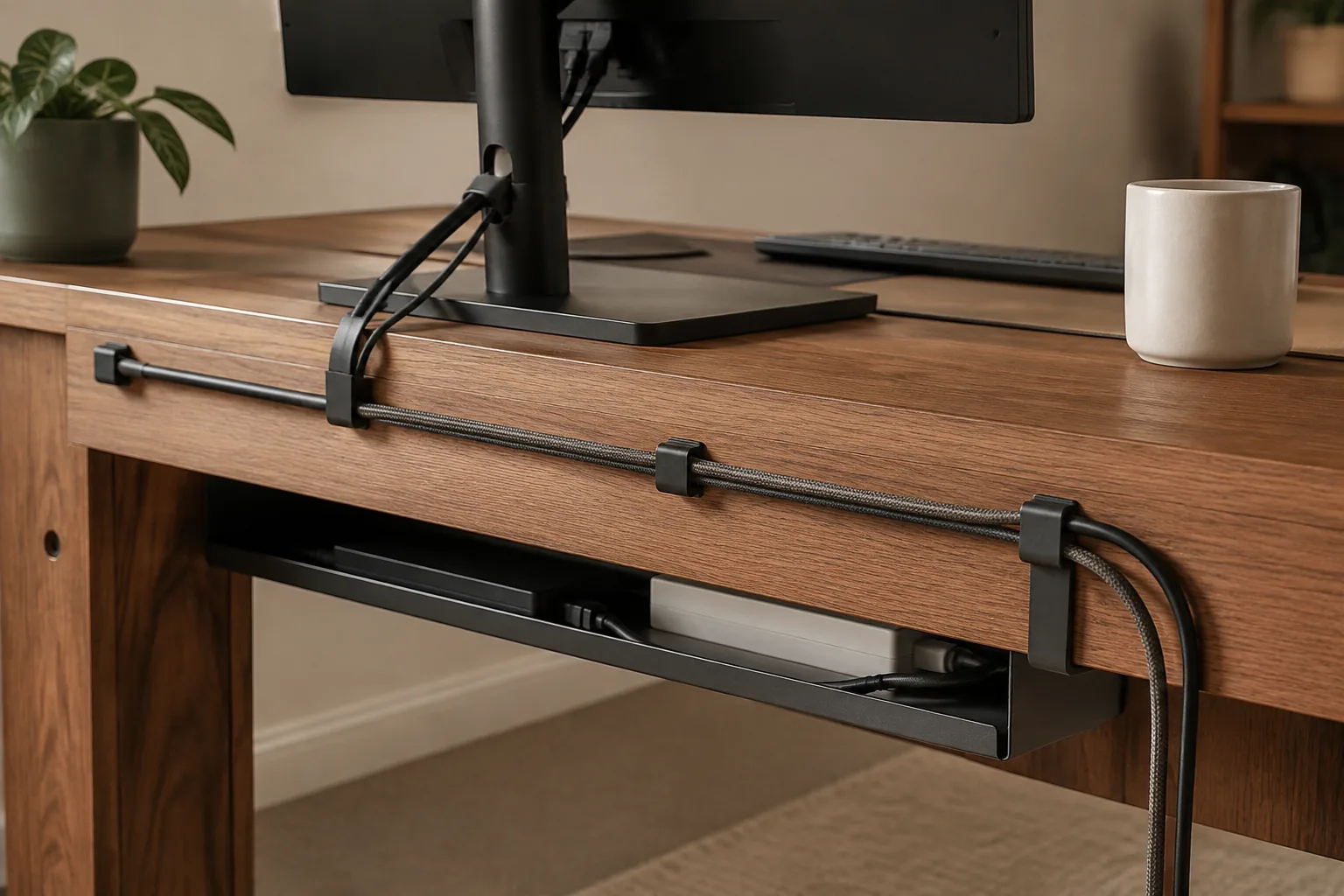 08Ranked guide
Route the mess once, then stop thinking about it every afternoon.
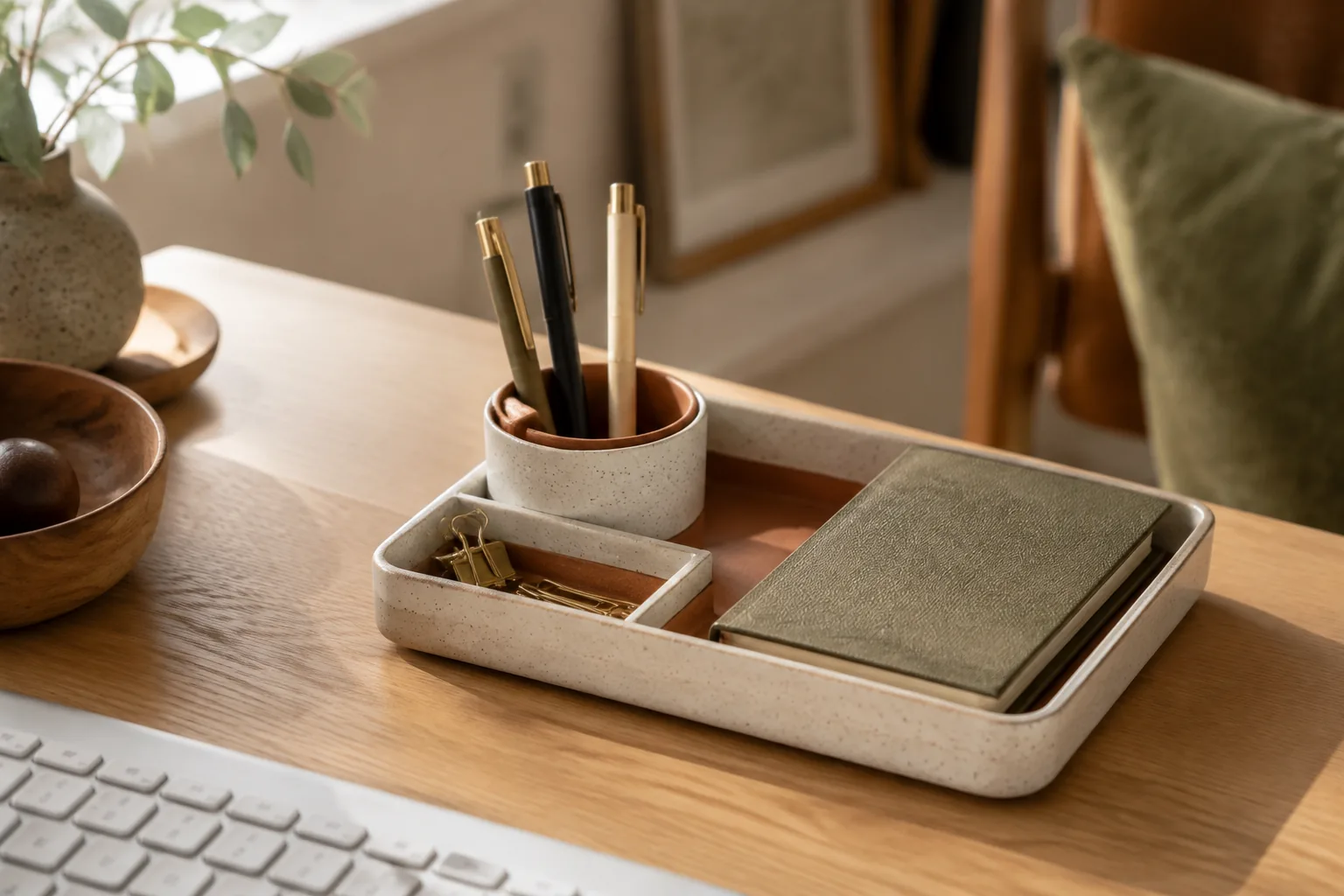 09Ranked guide
A home for the loose pieces that make a desk feel louder than it is.
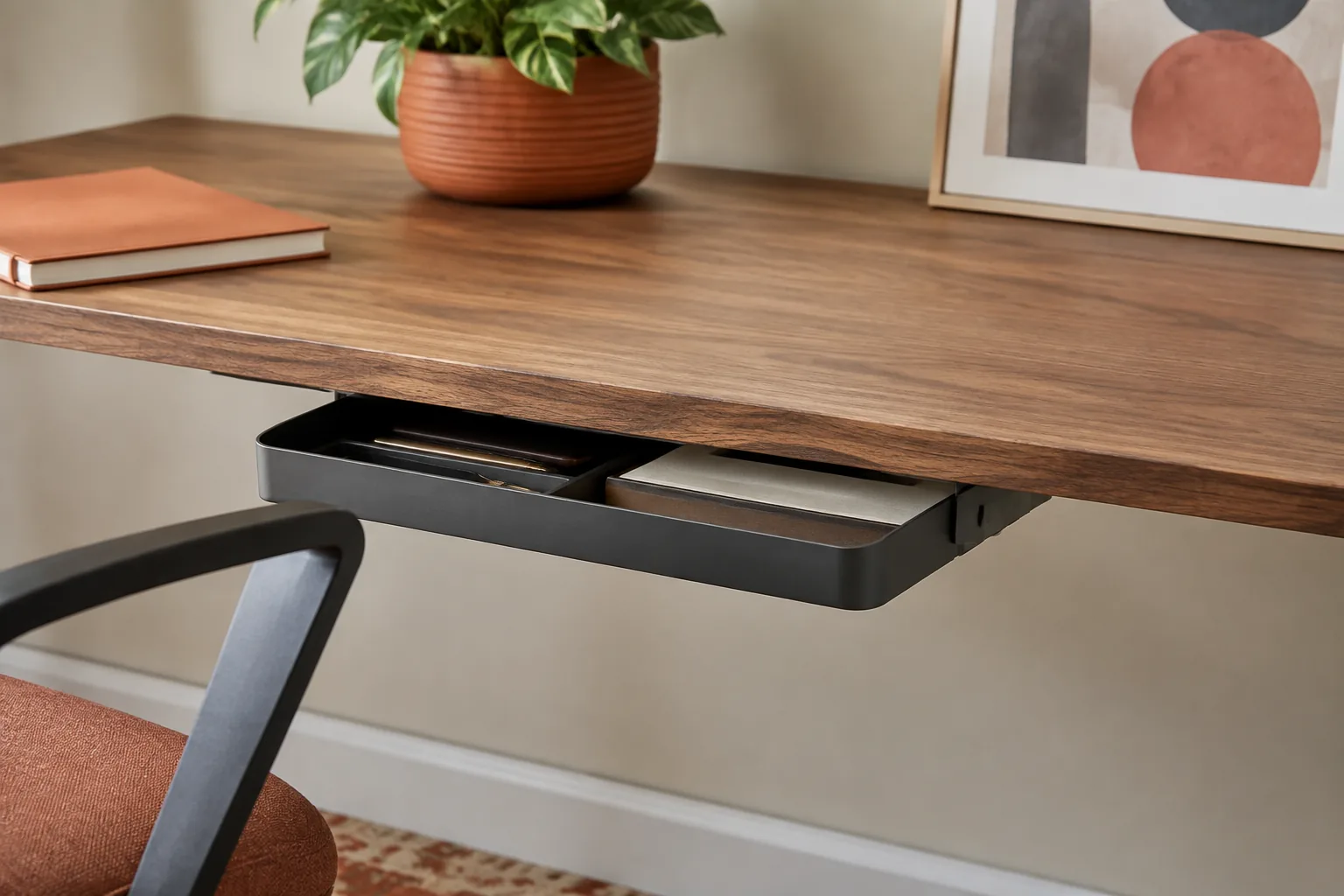 10Ranked guide
Keep the surface spare while keeping the everyday essentials close.
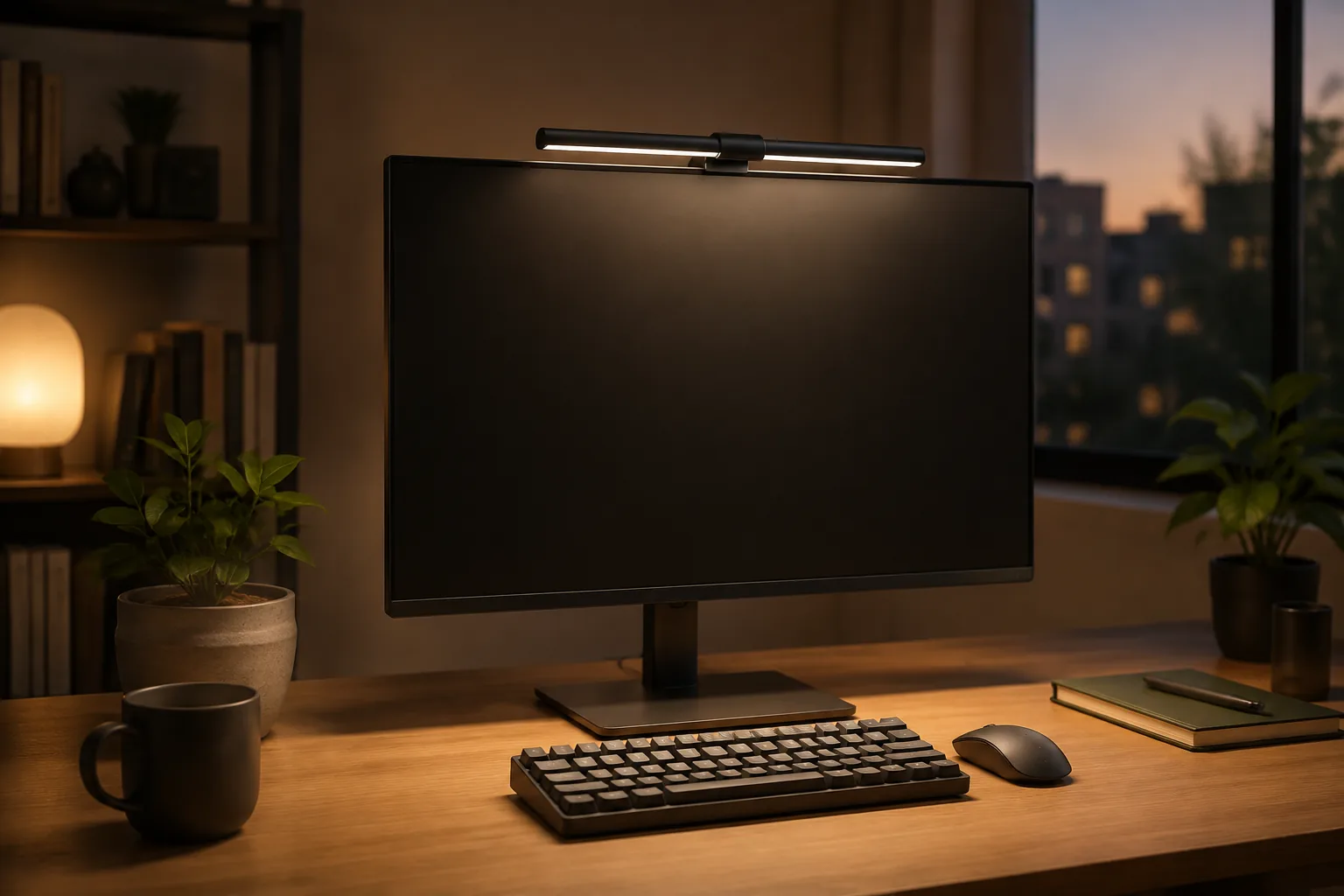 11Ranked guide
Focused light for the screen zone, with fewer reflections and less desk bulk.
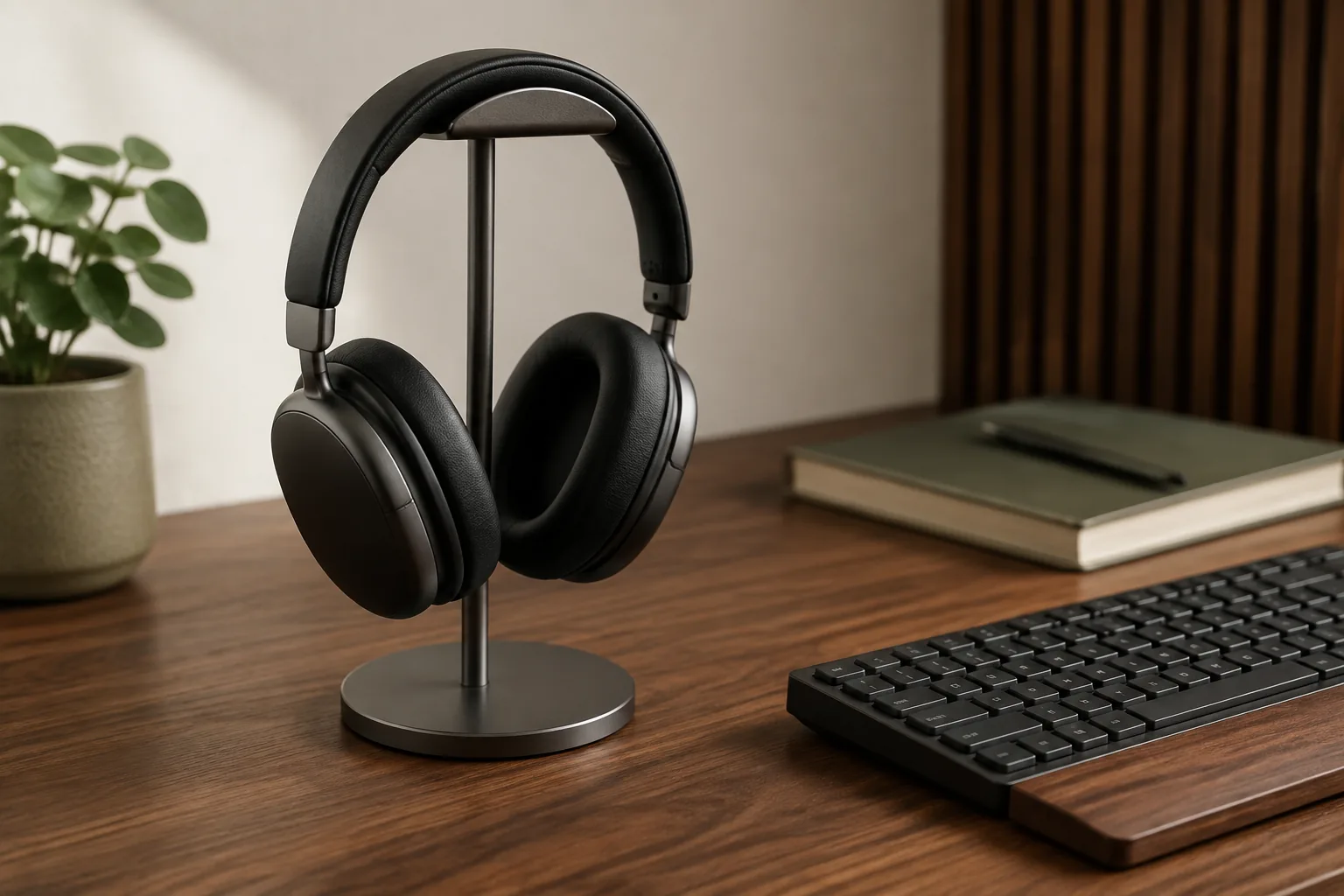 12Ranked guide
One small landing place for the headphones that otherwise migrate everywhere.
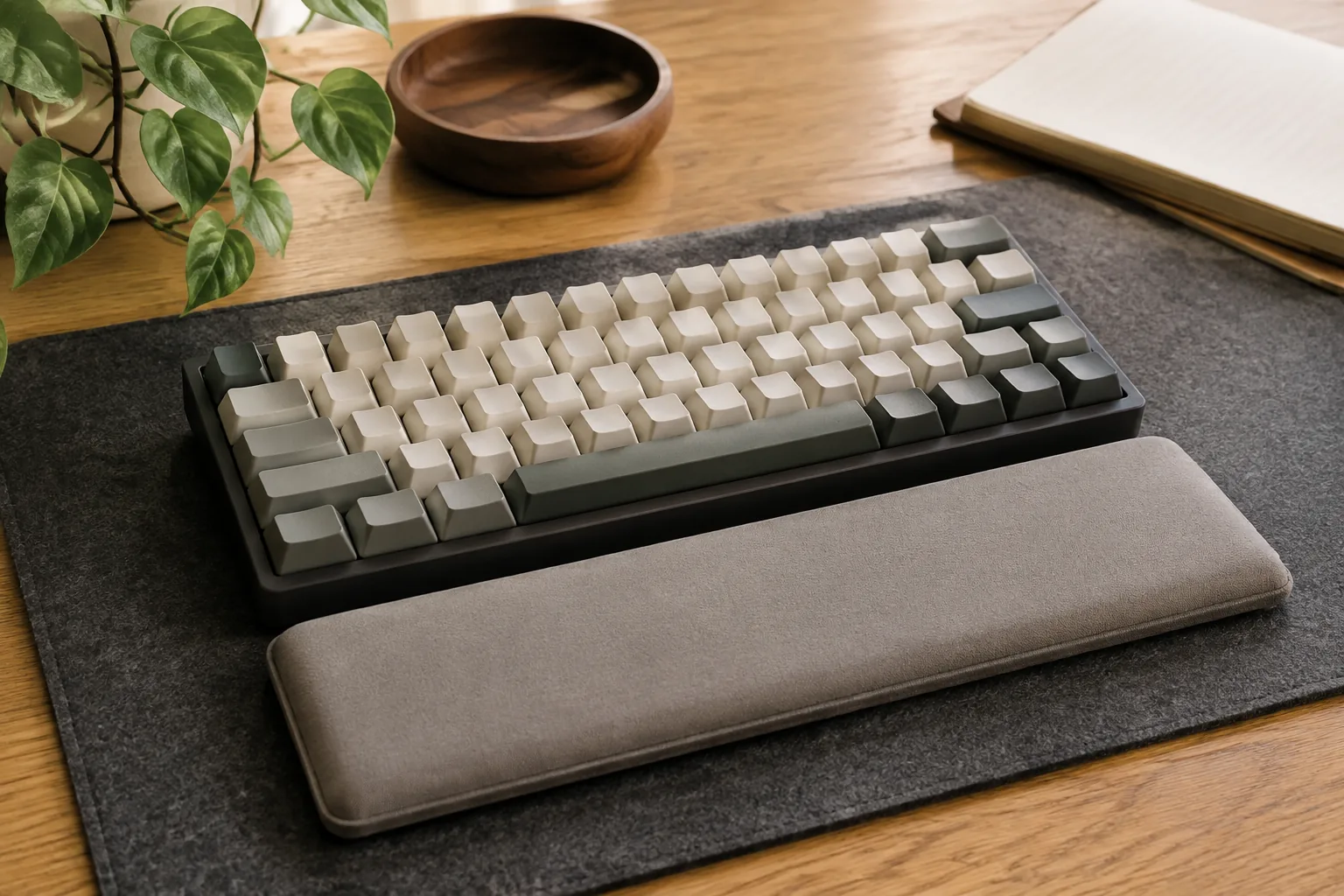 13Ranked guide
Material, height and width for the long-session detail that is easy to miss.
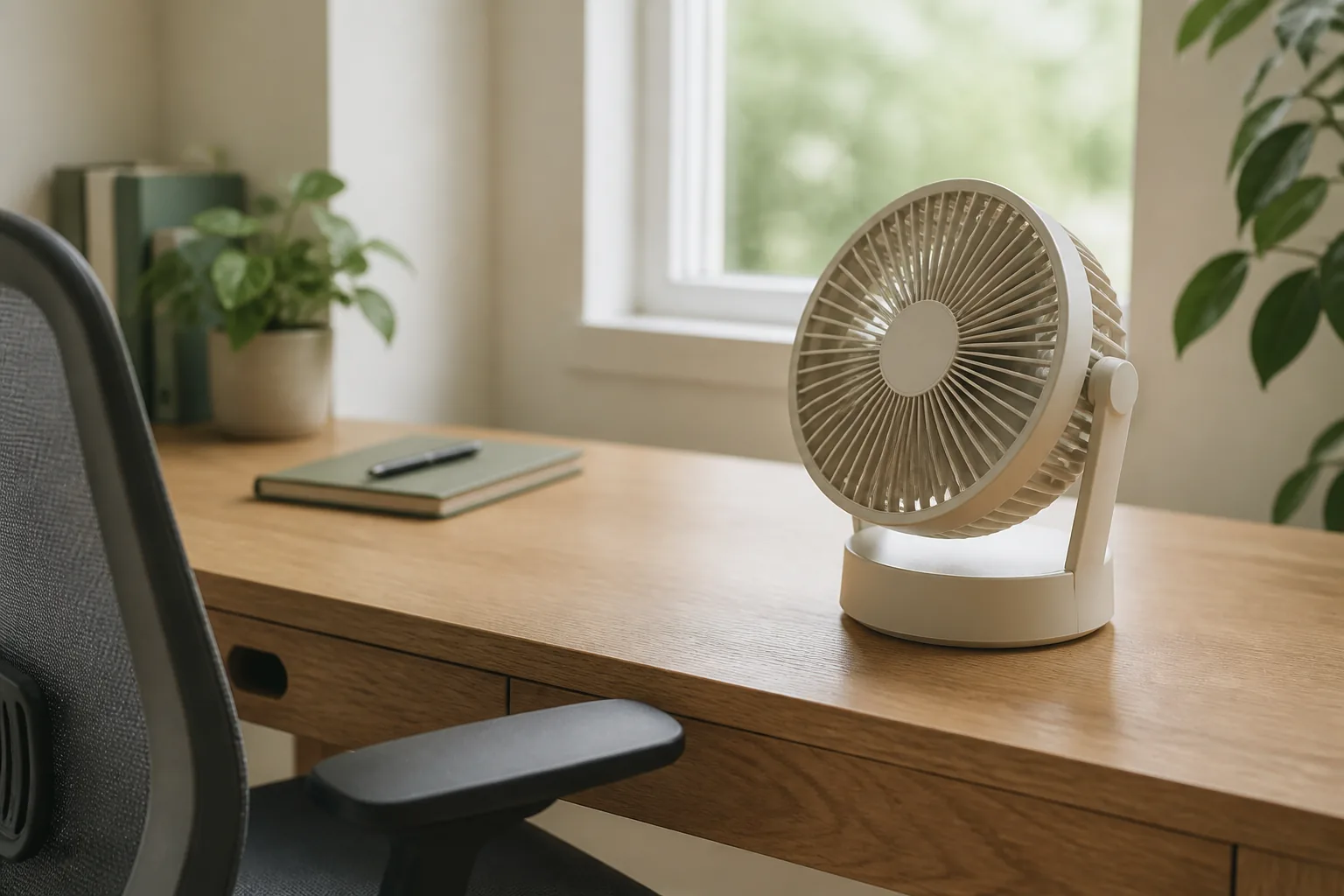 14Ranked guide
Quiet airflow for warm rooms, small surfaces and calls that still need to sound good.
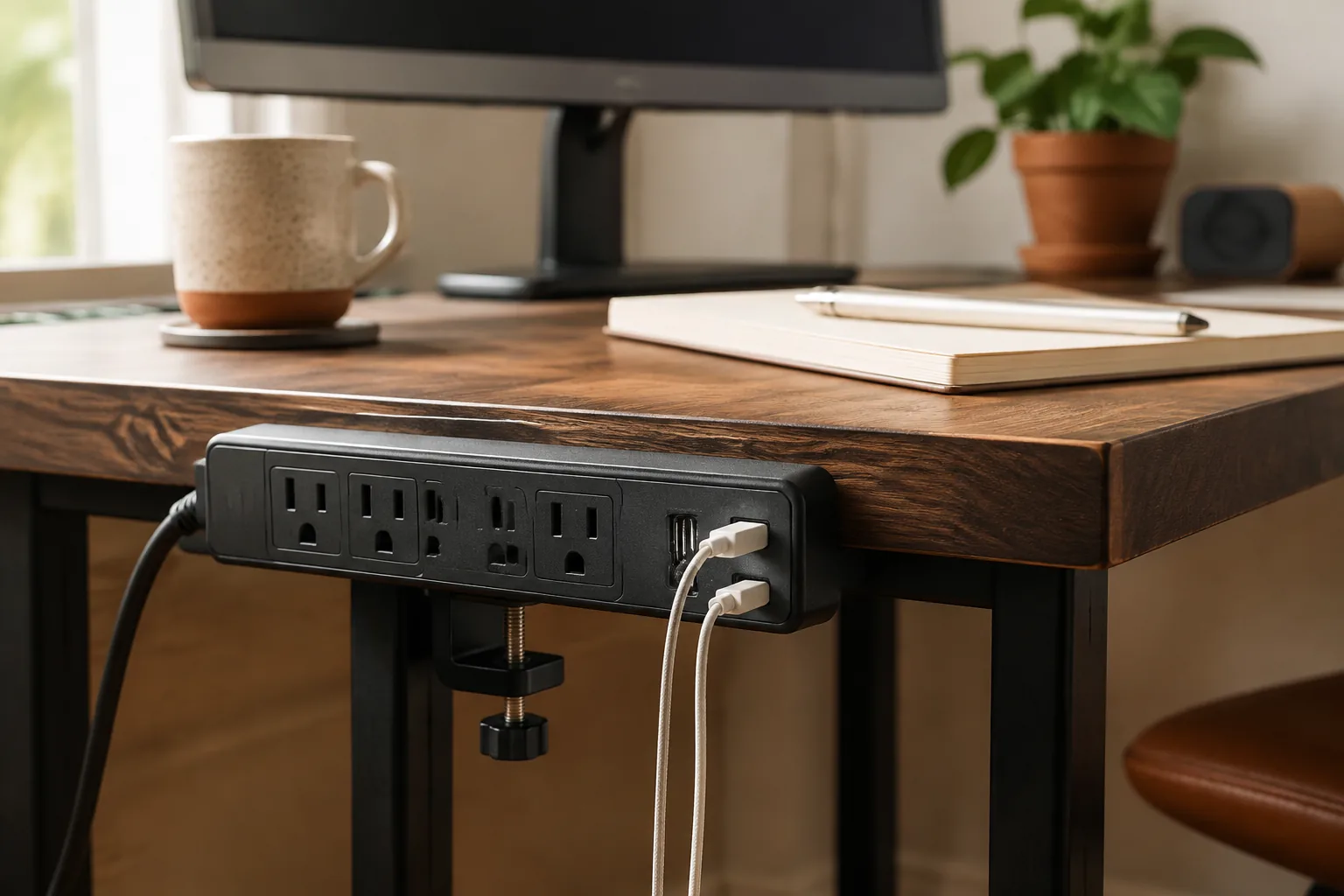 15Buying guide
Accessible power where the desk needs it, without another object on the floor.
 16New guide
Check the full video path, EDID, USB sharing and the cables before you switch two computers.
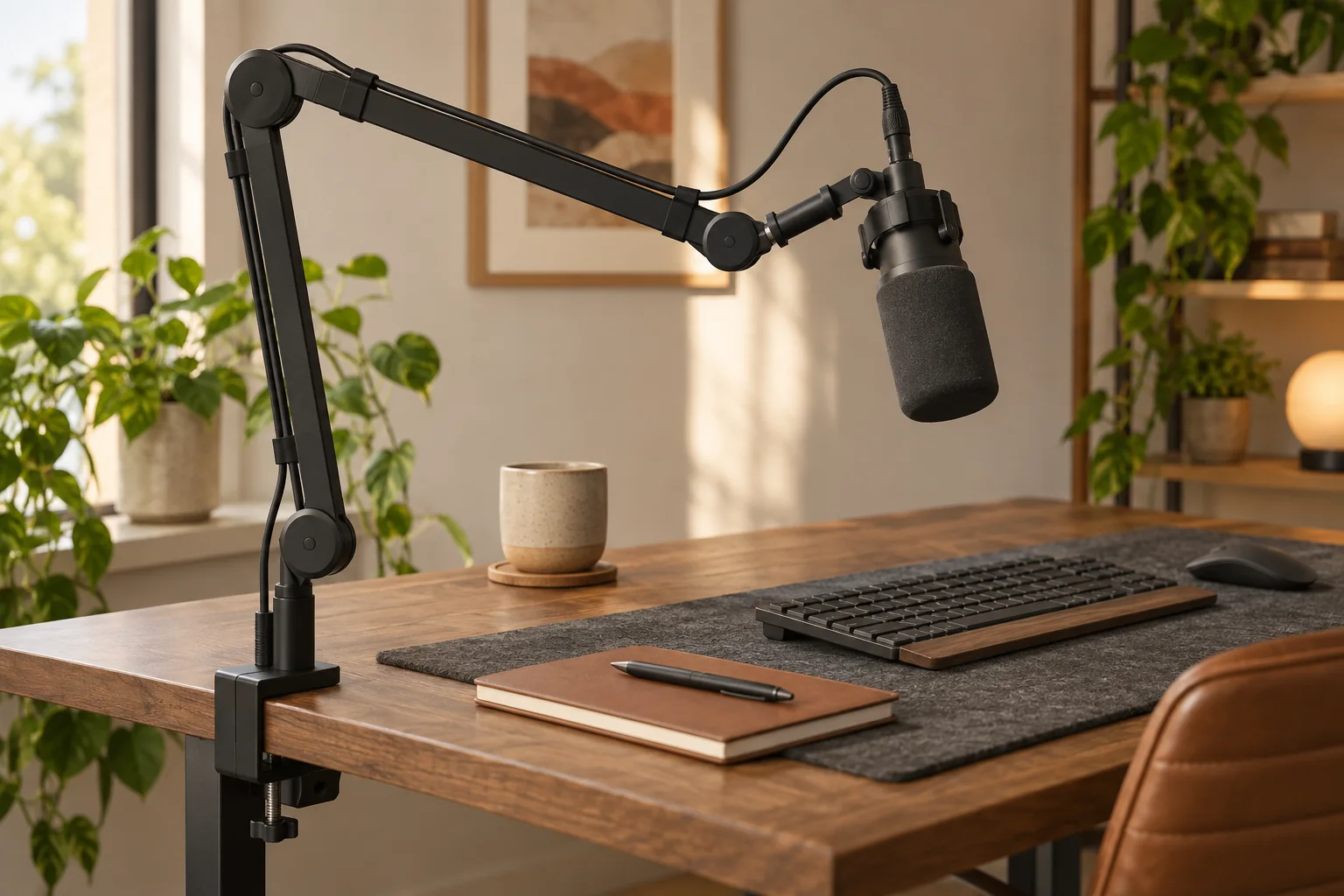 17New guide
Compare load, reach, clamp fit and cable slack before a mic takes over the desk.
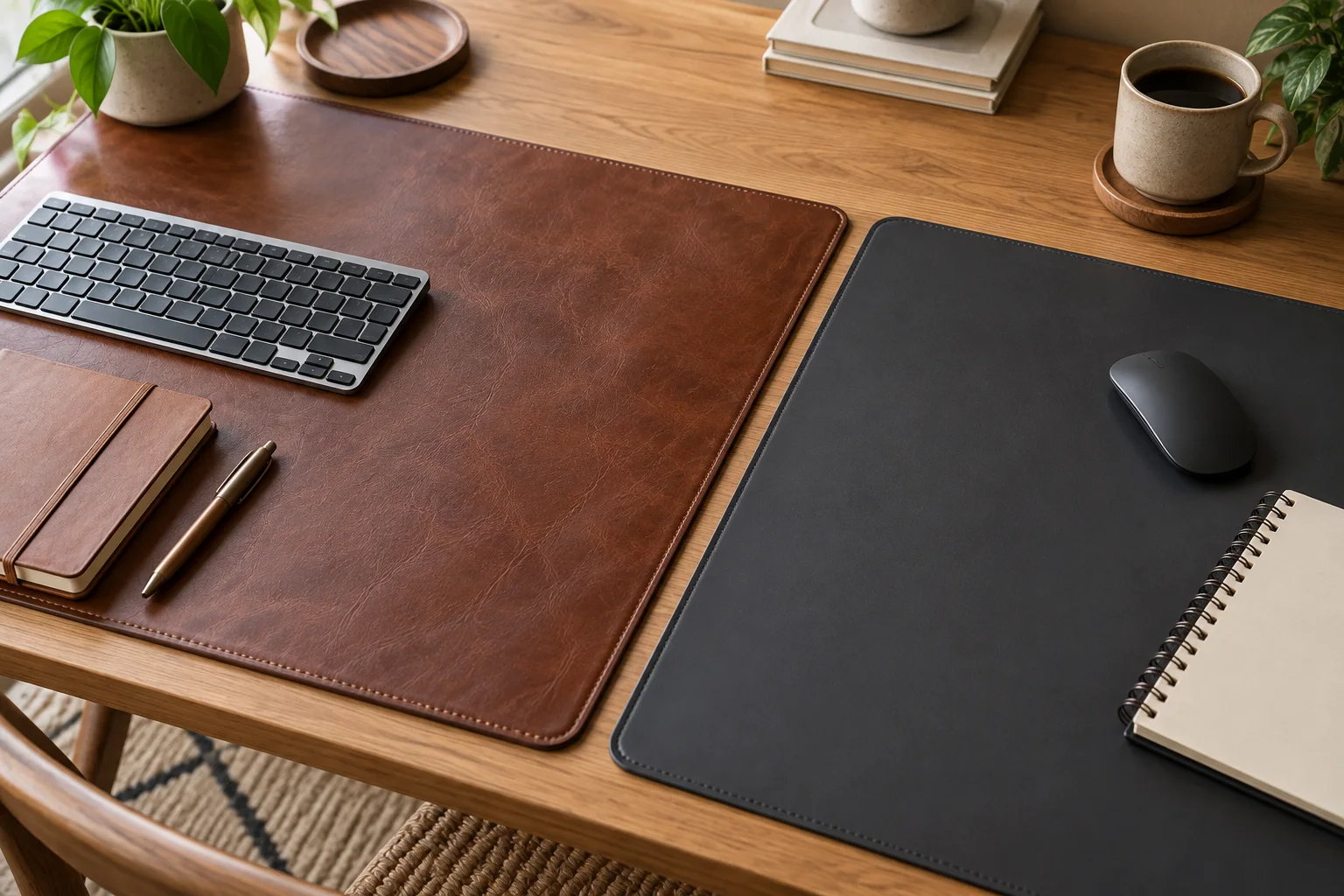 18New guide
Choose the surface, backing and care routine that fit your actual work zone.
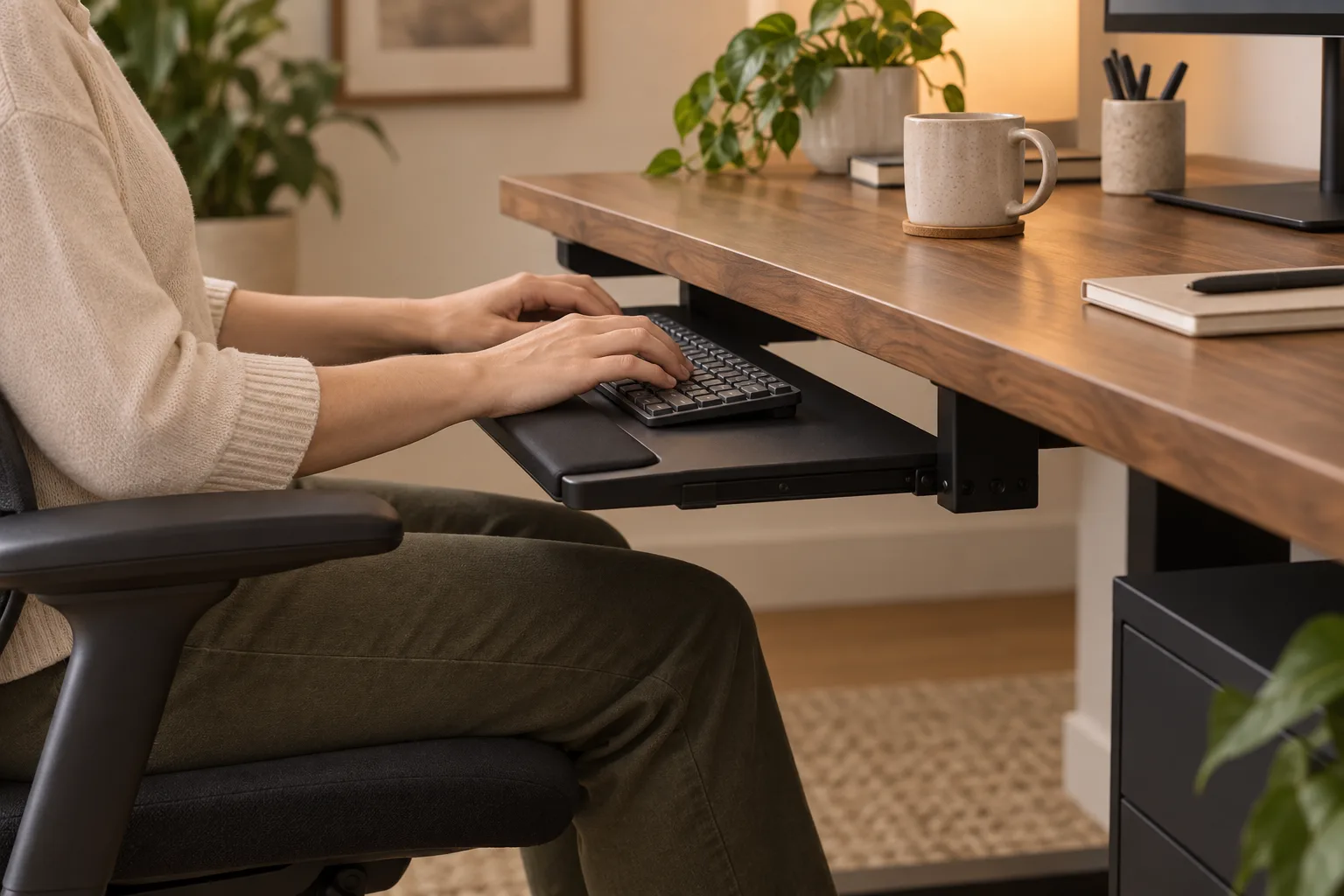 19New guide
Measure the hand zone, knee clearance and mount before you add a tray beneath the desk.
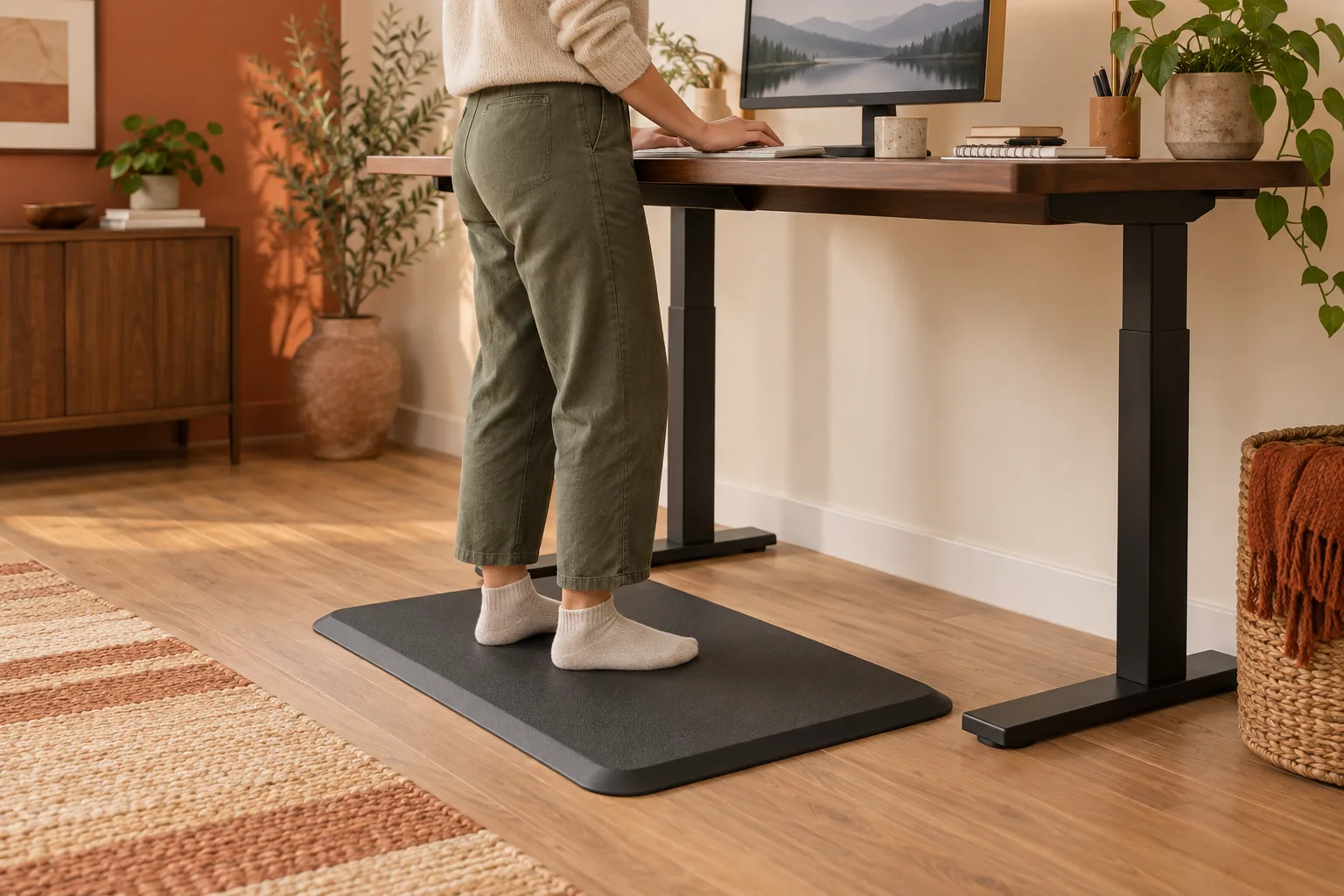 20New guide
Compare the floor footprint, edge, surface and sit-stand clearance before you buy.
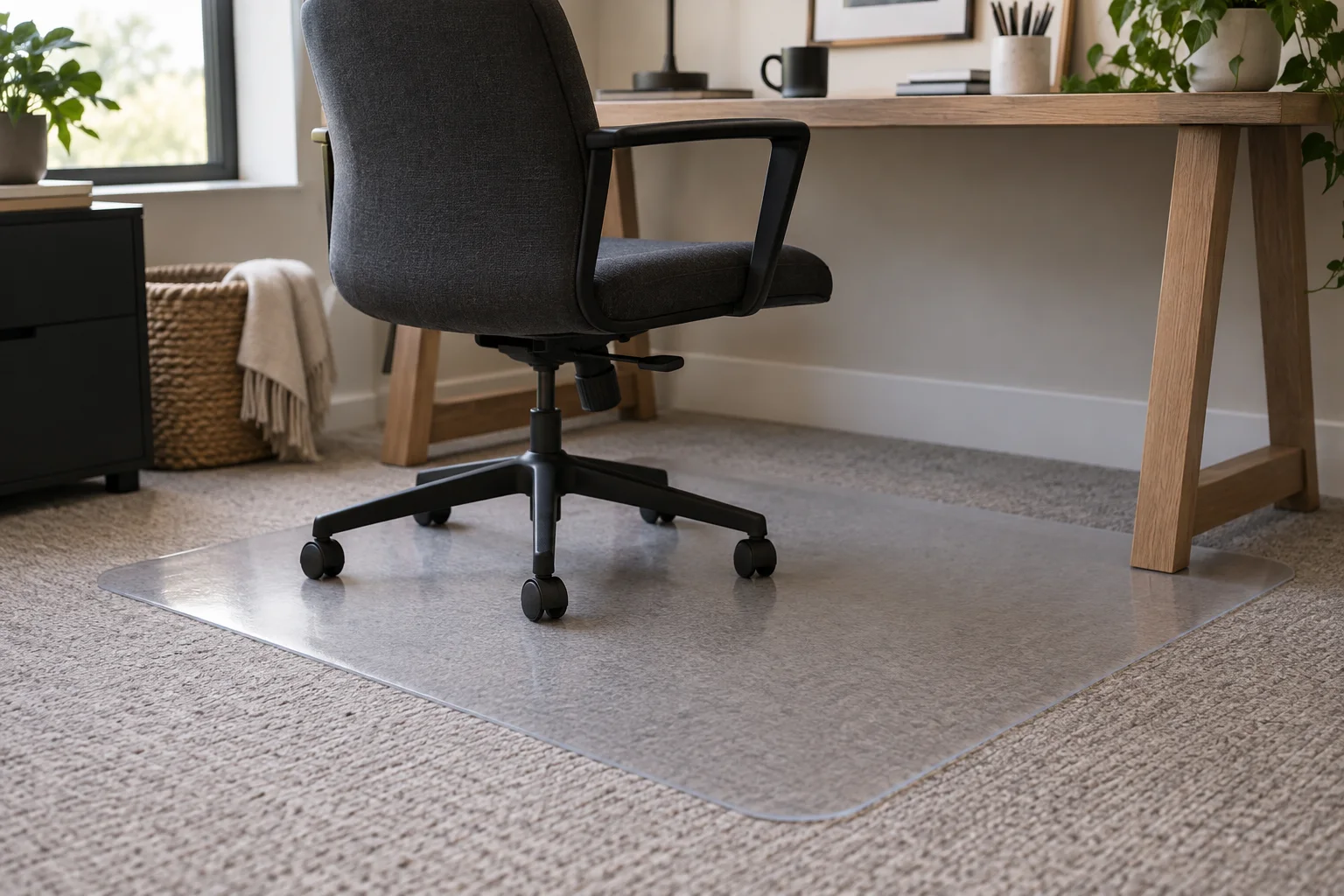 21Ranked guide
Five mats for low, medium and plush pile, plus how to match cleats, material, size and lip to your desk.
No topics in this lane yet. Try another filter.
02 / From the journal
Desk diaries, small-space experiments and practical notes about the objects that shape a workday. Read the story behind the shortlist.
Start with the friction in your routine, then improve screen height, lighting, cable access and storage.
Read the story
A warm, practical layout for making a compact work corner feel useful and easy to keep clear.
Read the diary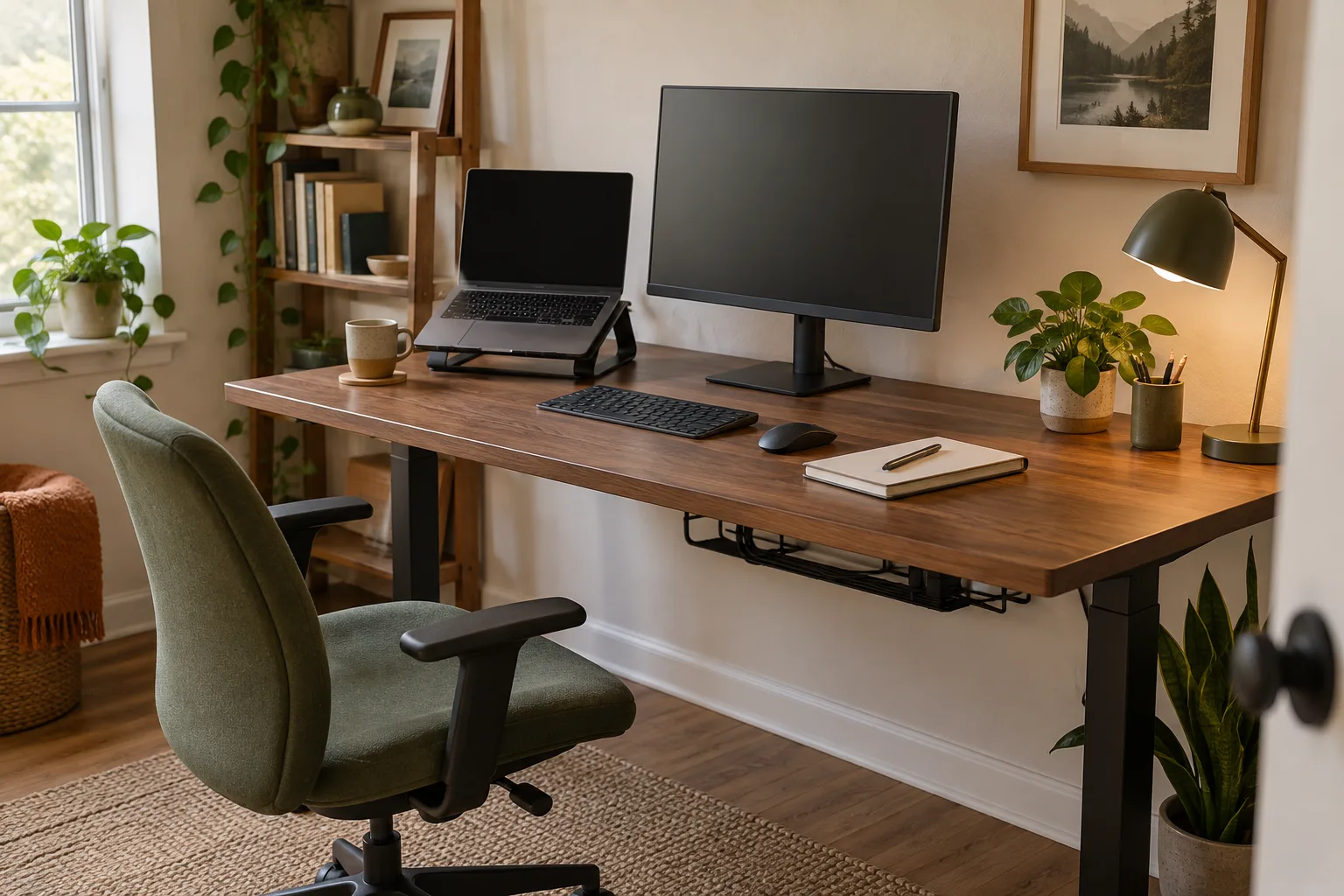
Plan the footprint, screen, storage and room flow before settling on a desk shape.
Read the guide
A simple plan for routing power, keeping charging within reach and making the surface easier to use.
Read the guide03 / How we choose
A useful ranking should make a decision easier, not just repeat a product page. We start with the real problem, then add the context a listing cannot provide.
We begin with the moment that makes someone search, then keep the answer focused on the person asking it.
THE READERHeight, ports, reach, noise, footprint and fit become details you can actually compare.
THE TRADE-OFFFacts, availability and limitations are checked before a recommendation goes live.
THE PROMISEA note from the desk
Every note starts with the reader: clear context, useful comparisons and no invented hands-on experience.
04 / Keep reading
Read desk diaries, setup notes and practical guides in The Desk Journal.
Visit the journal