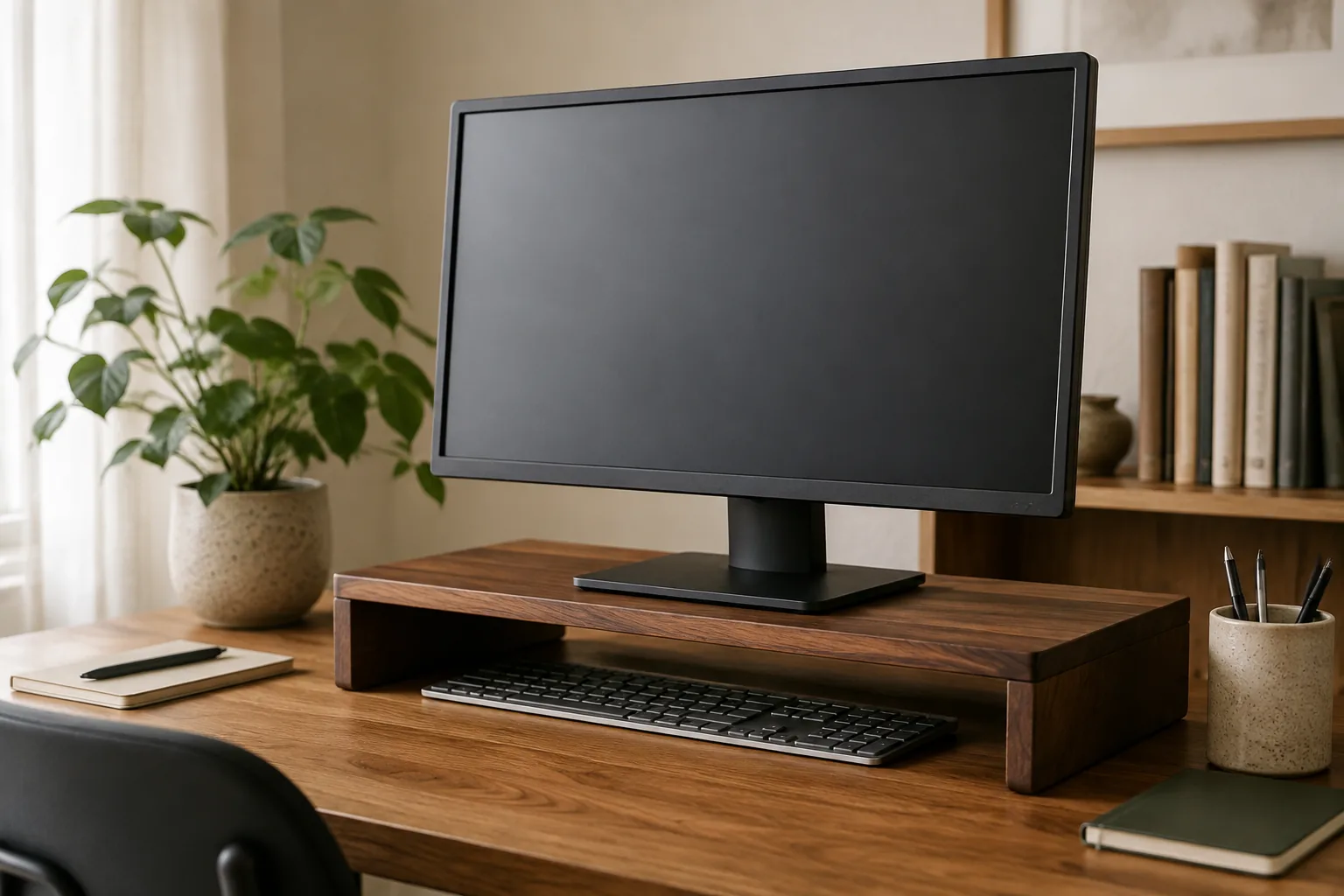
The best monitor stand is the one that puts the top of your screen near eye level without taking the depth your keyboard needs. For one monitor on its own base, a height-adjustable monitor riser is the simplest fix. For two screens, a long shelf riser is the easiest route and doesn’t need VESA holes. A VESA mount is worth it only for large 32- to 60-inch displays and a desk built to carry them.
Quick answer
Measure the desk before you choose the stand.
A monitor riser is a platform under the screen’s own stand. A VESA stand or mount holds the screen by the screw holes on its back. Both raise the screen, and the right one depends on your monitor, your desk depth and how often you move the display.
Our starting point
Stable riser · measured footprint · clear load limit
Quick picks
- Best monitor riser: height-adjustable metal riser, for when screen height is the problem you keep fighting.
- Best dual monitor stand: 39-inch wood dual-monitor shelf, one surface for two screens with no VESA needed.
- Best for large screens: 32–60 in VESA monitor mount, for big flat, curved or ultrawide displays.
The three monitor stands worth comparing first
The details below are what each listing states. They are not our measurements. Confirm dimensions and supported weight on the exact variant you choose.
| Stand | Best for | Listed details | Check first |
|---|---|---|---|
| Height-adjustable metal riser | One monitor that sits too low | Metal, height adjustable, desktop storage use | Height range, platform size, load |
| 39-inch wood dual-monitor shelf | Two screens on one surface | Wood board, steel legs, 39 in wide | Desk depth, both stand bases, total load |
| 32–60 in VESA monitor mount | Large flat, curved or ultrawide screens | Heavy-duty, VESA mounting, 32–60 in | VESA pattern, screen weight, desk fit |
1. Height-adjustable metal riser: best monitor riser
If your monitor sits too low and its own stand doesn’t go high enough, a riser that adjusts is the most direct fix. You can set the height for your chair rather than living with a fixed 4 inches. The listing describes a height-adjustable metal screen holder for home desktop use, with space underneath to keep small items off the desk.
Fit check: confirm the adjustment range, the platform’s width and depth (the monitor’s base must sit fully on it) and the supported load.
Height-adjustable metal monitor riser: adjustable metal platform for one screen (per listing).
2. 39-inch wood dual-monitor shelf: best dual monitor stand
Two monitors on stands rarely line up, and they eat desk space. A wide shelf riser puts both on one level surface and creates a parking spot for the keyboard underneath. The listing presents a 39-inch-wide wooden shelf on steel legs for two monitors. It works with screens that have no VESA holes.
Fit check: measure both monitors’ stand bases side by side (they must fit within 39 in) and your desk depth. Confirm the board’s depth and load before placing two heavy screens on it.
39-inch wood dual-monitor shelf: 39 in wide, steel legs, two screens (per listing).
3. 32–60 in VESA monitor mount: best for large screens
Large displays outgrow risers. This listing describes a heavy-duty VESA mount for flat, ultrawide or curved screens from 32 to 60 inches. It is the premium pick in this shortlist, and the right one only when the screen is big and you want it held by its own VESA holes.
Fit check: confirm your screen’s VESA pattern and weight against the variant, then check the clamp or base range and the desk’s construction. A 60-inch class display needs a solid, deep desk.
32–60 in VESA monitor mount: heavy-duty VESA mount for 32–60 in screens (per listing).
How to choose a monitor stand: 4 checks
1. Find your target height first
Sit as you normally work and look straight ahead. For most people, the top of the screen should be around eye level, or a little below for large screens. Measure the gap between where the top of the screen is now and where it should be. That number tells you how much lift you need. Tall users and people on standing desk converters often need more than a fixed riser gives.
2. Measure width and depth, not just the diagonal
Measure the monitor’s base, not its screen size, and check it against the platform. Then measure your desk depth. A deep riser on a shallow desk pushes the screen closer to your eyes. Keep about an arm’s length between your eyes and the screen.
3. Check load and VESA together
Weigh the monitor, with its stand if it will sit on a riser and without it for a VESA mount. Compare that against the listed load. For a VESA mount, confirm the hole pattern on the back of the screen.
4. Decide what the space under the stand is for
Space under a riser is useful when it gives the keyboard a parking spot or holds things that would otherwise clutter the desk. If you need dedicated storage, an under-desk drawer or a desk shelf may work better.
Monitor riser, stand, mount or arm?
| Option | Best when | Trade-off |
|---|---|---|
| Monitor riser | One screen on its own base, simple height fix | Little tilt or swivel |
| Dual shelf riser | Two screens, no VESA holes | Takes desk depth |
| VESA mount | Large or heavy screens | Desk and VESA compatibility checks |
| Monitor arm | Frequent repositioning, small desks | Clamp fit and tension setup |
Laptop user? A riser lifts an external monitor. For the laptop itself, see our laptop stand guide.
Monitor stand mistakes worth avoiding
- Buying by screen size. Base footprint and weight decide the fit.
- Raising the screen too high. Looking up strains the neck more than looking slightly down.
- Ignoring desk depth. A riser that forces the screen to 15 inches from your eyes is worse than no riser.
- Overloading a wide shelf. Two heavy screens near the middle of a long board can make it sag over time. Check the load.
Monitor stand FAQ
What is the best monitor stand for most desks?
For a single screen on its own base, a height-adjustable monitor riser that fits the base and raises the top of the screen to about eye level. Choose a VESA mount or arm instead when you need more movement or the screen is very large.
Is a monitor riser good for ergonomics?
It can be, when your screen currently sits too low. Raising it so you look straight ahead or slightly down can reduce neck bending. It only helps if the height suits your chair and the screen stays about an arm’s length away.
Is a monitor riser better than a VESA monitor stand?
A riser is simpler and works with monitors that have no VESA holes. A VESA stand or arm usually offers more height, tilt and swivel, and frees more desk space. Choose based on your screen, your desk depth and how often you move the display.
How high should a monitor stand be?
High enough that the top of the screen is around eye level when you sit upright. Measure the gap between the current and ideal height, then pick a stand that covers it, preferably with adjustment.
What is the best monitor stand for two monitors?
A long shelf riser, such as the 39-inch dual shelf here, is the easiest option and needs no VESA holes. A dual monitor arm saves more desk depth and lets you position each screen separately. Check the shelf width against both bases and the total load.
What should I check before buying an adjustable monitor stand?
The height range, platform dimensions, supported load, and whether it suits your monitor’s base or VESA pattern. Also measure your desk depth so the screen does not end up too close.
The bottom line
Measure the height gap, the monitor base and the desk depth first. One screen that sits too low? Choose the height-adjustable metal riser. Two screens? Choose the 39-inch dual shelf. A large 32–60 in display? Choose the VESA mount, after a VESA and weight check. Then tidy what’s left with our desk cable management guide.
The practical starting point
Measure the desk. Then choose the support.
Measure first, then compare the three picks above. Confirm the exact variant and the listed size or fit details before you order; prices and availability are set by the retailer and can change.
Return to the picks