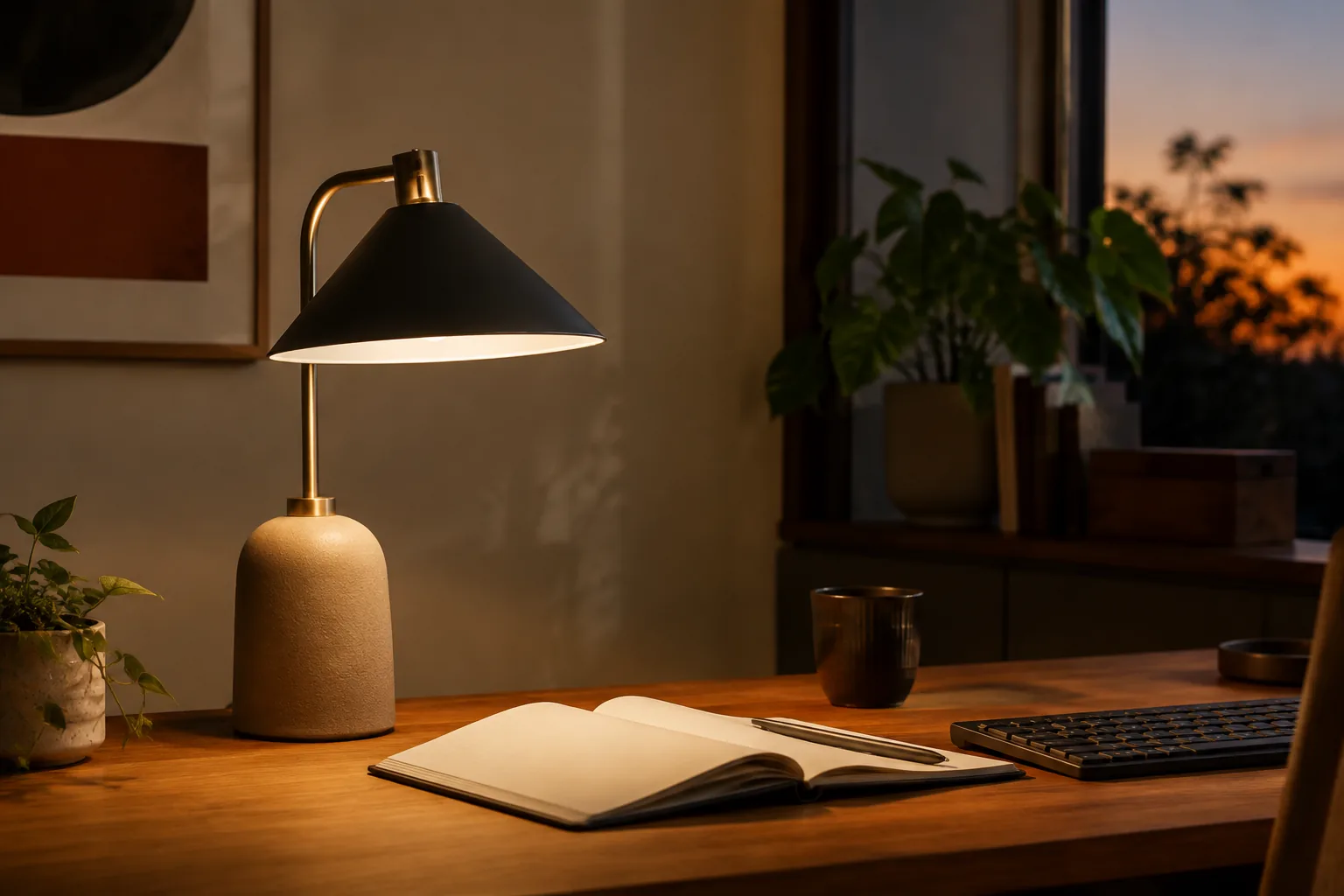
The best desk lamp for computer work is an adjustable LED lamp with a useful low setting, a neutral light option and a head you can aim at the desk instead of the screen. A clamp-on lamp does that without a base on the desk, which is why all three picks below clamp to the desk edge.
Quick answer
Start with the light you can place, aim and soften.
Choose control and placement first. Then decide how much coverage you need: one head for a keyboard and notebook, several heads for a wide or two-monitor desk, or a long architect arm for a big work area.
Our starting point
LED · adjustable head · dimming · desk-friendly footprint
Quick picks
- Best everyday task light: 10W dimmable USB clamp desk lamp. Ten brightness levels and three color modes on an adjustable arm.
- Best for wide or two-monitor desks: single, double or triple head LED clip desk lamp (USB). Pick the 3-head USB variant.
- Best for the largest work area: 28.2” large transformable LED architect desk lamp with clamp (24W, auto dimming). Choose the US Plug option.
Check the current price and the variant you select on each listing.
Desk lamps for computer work compared
| Pick | Heads / power | Controls listed | Price (approx.) | Listing rating | Mount | Verify before ordering |
|---|---|---|---|---|---|---|
| 10W dimmable USB clamp desk lamp | 1 head, 10W, USB | 10 brightness levels, 3 color modes | Check price | Not shown | Clamp, adjustable arm | Body and box variant, USB power source |
| Single/double/triple head LED clip desk lamp | 1–3 heads, USB | Dimmable | Check price | 4.7 (63 reviews), 497 sold | Clip | That you select the 3-head USB variant |
| 28.2” transformable LED architect lamp | 24W | Auto dimming | Check price | 4.9 (38 reviews), 263 sold | Clamp, architect arm | US Plug option (voltage not stated) |
Clamp range and color rendering aren’t listed for these lamps, and only the architect lamp states its size, so the table doesn’t give them. Check the listing for the variant you select.
The three desk lamps worth comparing
1. 10W dimmable USB clamp desk lamp: best everyday task light
The listing describes a 10W USB-powered clamp lamp with an adjustable arm, three color modes and 10 brightness levels. It’s the simplest place to start: task light on the keyboard and notebook, no base on the desk, and enough steps to find a comfortable level beside the monitor.
USB power keeps it easy to place on a small desk, but check what it plugs into. A USB lamp needs a port or adapter that can supply its power, and a weak laptop port can limit brightness.
Good fit for: one-monitor home offices, small desks and laptop setups.
What to check:
- The body and box variant you select.
- Whether a USB power adapter is included, and the cable length to your power source.
- The clamp opening against your desk edge.
10W dimmable USB clamp desk lamp: check the current price and variant.
2. Single/double/triple head LED clip desk lamp: best for wide desks
The listing title is “Single Double Triple Head LED Clip Desk Lamp Dimmable USB.” The listing shows 4.7 stars from 63 reviews and 497 sold. It’s dimmable and USB-powered, so there’s no plug variant to worry about, and it clips to the desk edge.
Pick the 3-head USB variant for a wide desk. Several heads spread the light across the desk instead of making one bright pool, which helps when your notes sit beside the keyboard rather than in front of it.
Good fit for: two-monitor desks, wide L-shaped desks and anyone who works from paper beside the screen.
What to check:
- That you select the 3-head USB variant. The listing also offers single and double heads.
- What the USB cable will plug into. A USB adapter or a powered port that can supply three heads is safer than a laptop port.
- The clip opening against your desk edge.
Single/double/triple head LED clip desk lamp (USB): Choose the 3-head USB variant and check the current price.
3. 28.2” transformable LED architect desk lamp: best for the largest work area
The listing title is “28.2" Large Transformable LED Desk Lamp with Clamp, Architect 24W, Auto Dimming.” The listing shows 4.9 stars from 38 reviews and 263 sold. An architect arm has the most reach of the three, so it can light a large drafting area, a wide desk mat or a second work zone.
The listing offers a US Plug variant but doesn’t state the voltage. Choose the US Plug option, and check the label or ask the seller about the voltage if it isn’t shown.
Good fit for: large desks, drawing and paperwork, and setups where the lamp has to reach across a monitor.
What to check:
- That you select the US Plug option.
- The arm’s reach against the distance from your clamp point to the work area.
- How the automatic dimming behaves, and whether you can turn it off.
28.2" transformable LED architect desk lamp with clamp: Choose the US Plug option and check the current price.
How to choose a desk lamp for computer work
Aim the light at the task, not the screen
Direct the beam at the notebook, keyboard or desk mat rather than at the monitor panel. A flexible neck or pivoting head helps you change the angle when the task changes. A useful rule: put the lamp on the side opposite your writing hand, so your hand doesn’t cast a shadow over what you write.
Glare check: switch the monitor off, sit normally and turn the lamp on. If you can see the lamp head or a bright patch reflected in the dark screen, move the head lower or further to the side.
Choose a color setting you’ll actually use
“LED” alone doesn’t tell you how the light will feel. Look for a stated color temperature or more than one mode. Warmer light, around 2700–3000K, feels calmer late in the day. Neutral light, around 4000K, sits comfortably beside most monitors. Cooler settings can make fine detail easier to read. The point is a setting that suits you, not the biggest number on the page.
Dimming should cover the whole workday
A good dimmable lamp has a low setting that isn’t harsh and a high setting that’s useful for the task. Stepless control gives more small adjustments, while stepped levels are quicker. Check where the control sits. If the lamp is behind the monitor, a touch control on the base or arm is easier to reach than a small switch on the head.
Decide whether USB is power or convenience
Some lamps use USB as their power input; others add a USB charging port to a mains-powered lamp. Check which job the port performs, whether a power adapter is included and whether the cable reaches your outlet or hub. USB power keeps a compact desk clean, but it can limit brightness if the source can’t supply enough.
Check the clamp and the arm
A clamp frees desk surface, but it needs a solid edge and a clear spot for the screw. Before ordering any clamp lamp:
- Measure the edge thickness where the clamp will grip, and check the clamp’s maximum opening.
- Check underneath for a frame rail, drawer or cable tray where the lower jaw needs to sit.
- Measure the reach from the clamp point to the center of your work area. That’s the arm length you need.
- Avoid crowded corners. A monitor arm, mic boom arm or clamp power strip on the same edge can collide with the lamp’s arm.
| Lamp type | Best use | Verify first | Main compromise |
|---|---|---|---|
| Single-head USB clamp lamp | Small desks, laptop work | Power source, cable length, brightness steps | Less coverage |
| Multi-head clamp lamp | Wide or two-monitor desks | Head count, plug variant, controls | More hardware to aim |
| Architect clamp lamp | Large work areas, drawing | Reach, clamp fit, plug and voltage | Larger arm to place |
| Monitor light bar | Clear surface, screen-zone light | Screen edge and webcam position | Less useful away from the monitor |
If your desk surface is crowded and the light only needs to cover the keyboard, a monitor light bar can be the better choice. Our monitor light bar guide covers that format.
Choose the best desk lamp for your setup
- One monitor, home office: the single-head USB clamp lamp beside the monitor, aimed across the desk rather than into the display.
- Long computer sessions: a lamp with a reachable dimmer and a neutral setting, placed outside the screen’s reflection path. Do the glare check before you settle on a position.
- Two monitors or a wide desk: the multi-head clip lamp in its 3-head variant, with the heads spread across the work zone instead of all pointing at the center.
- Drawing, paperwork or a large desk: the architect lamp for reach. If color accuracy matters, look for a published color rendering (CRI) figure, and treat it as a listing claim unless it’s independently verified.
- Video calls: a desk lamp lights your desk, not your face. For calls, see our video call lighting guide.
Desk lamp mistakes worth avoiding
- Choosing by brightness alone. A very bright lamp can create screen reflections and harsh contrast. Aim and diffusion matter as much as the headline output.
- Putting the lamp behind the screen. Light from the wrong direction reflects into the panel or casts a shadow from your hands.
- Assuming USB means charging. A USB cable can be the lamp’s power input, with no charging port at all.
- Ignoring the clamp. Measure the edge thickness and what’s underneath before you order.
- Ordering the wrong plug variant. On a mains-powered lamp, choose the US plug option. An adapter doesn’t make an EU lamp a US product.
Related desk setup guides
FAQ: choosing the best desk lamp
What is the best desk lamp for computer work?
An LED lamp you can aim at the desk without it reflecting in the screen. Dimming, a neutral light setting and an adjustable head matter more than a decorative base or the highest wattage. A clamp-on lamp also keeps the desk surface free.
Are clamp desk lamps better than lamps with a base?
On a small or crowded desk, usually yes, because a clamp frees the surface and the arm can reach further. A base is easier to move and doesn’t depend on your desk edge. Measure the edge thickness before choosing a clamp lamp.
What color temperature is best for a desk lamp?
Neutral light around 4000K suits most computer work. Warmer settings around 2700–3000K feel calmer in the evening, and cooler settings can help with fine detail. A lamp with several color modes lets you change through the day.
What makes a good dimmable desk lamp?
A usable low setting, enough light for the task, and controls that are easy to reach. Check whether the listing says stepped or stepless dimming and whether the lamp remembers the last setting.
Is a desk lamp with USB useful?
It can simplify power on a small desk, but check whether the USB cable powers the lamp or a separate port charges a device. Also check that your USB source can supply the lamp’s power.
Where should a desk lamp go?
Beside the monitor, aimed across the desk at your keyboard or notebook, and on the side opposite your writing hand. Keep it out of the screen’s reflection path, and do a glare check with the monitor off.
The practical starting point
Place the light. Then fine-tune the shortlist.
Measure first, then compare the three picks above. Confirm the exact variant and the listed size or fit details before you order; prices and availability are set by the retailer and can change.
Return to the picks