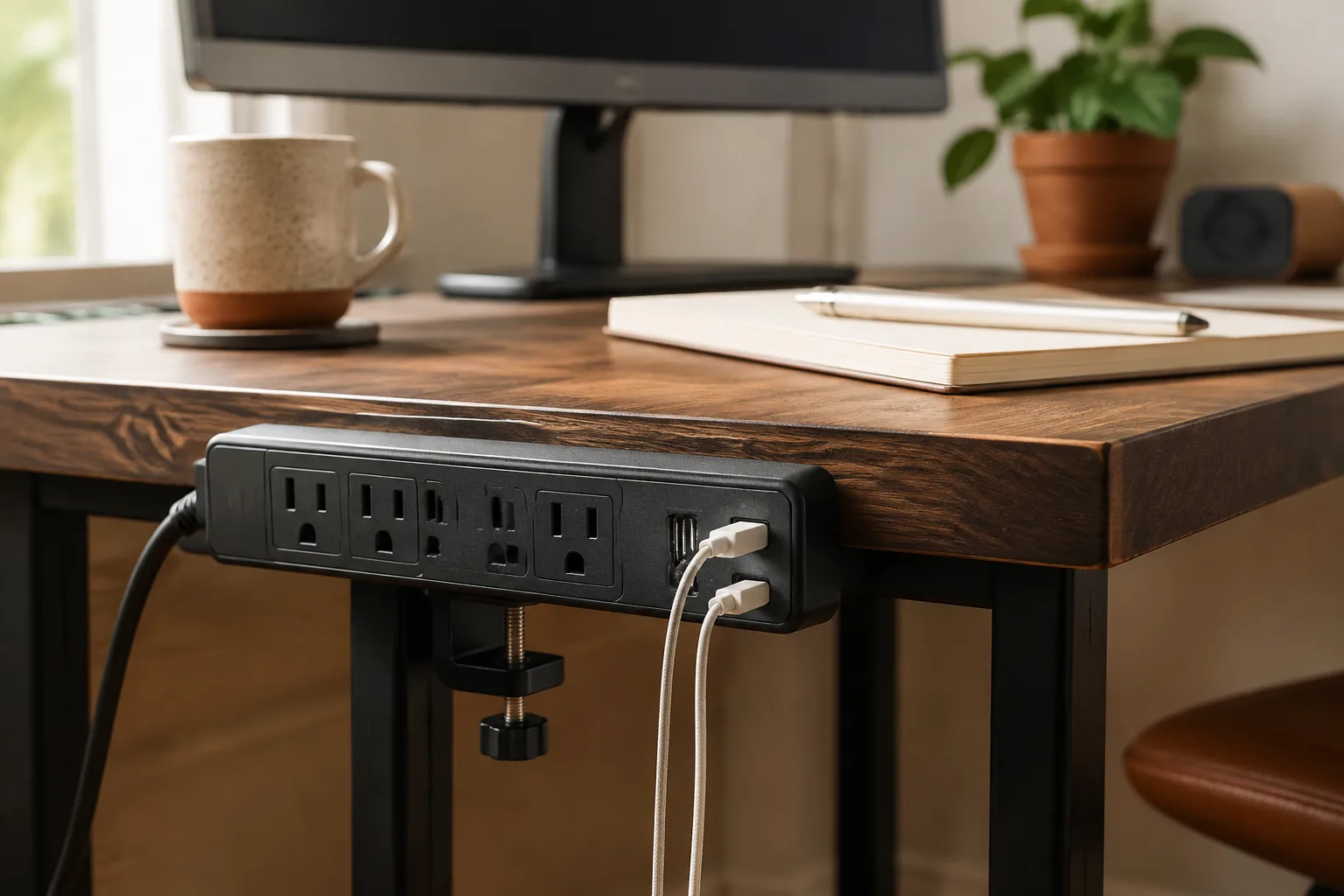
A desk clamp power strip, often searched as a “power clamp,” is a strip of outlets with a built-in C-clamp that grips the edge of your desk. You plug it into the wall once. After that, the laptop charger, monitor, lamp and phone cable connect at the desk edge instead of on the floor.
Quick answer
Check clamp fit, listing, and plug region before you buy.
For most home offices, a good desk clamp power strip has three to six AC outlets, clearly rated USB ports and a clamp range that fits your desktop. US buyers should look for a 3-prong US plug rated 125 V / 15 A and a safety mark from a recognized lab such as UL, ETL or CSA. Check the fit and the label first, then compare outlet count and price.
Start with
fit · daily use · verify
This guide shows what to check before you buy one, how to measure your desk, and how to mount the strip so it stays safe and reachable.
Not looking for desk power? “Power clamp” can also mean a powered clamp for woodworking or welding, or an electrician’s clamp meter. This guide covers clamp-on power strips for desks only.
Quick guide: which power clamp style fits your desk?
| If your desk… | Start with | Check first |
|---|---|---|
| Is a small laptop + monitor setup | Compact 3–4 outlet clamp strip on the back edge | Clamp range, plug spacing |
| Needs power hidden underneath | Under-desk clamp or bracket mount | Switch access, upside-down stability |
| Moves up and down | Strip with enough cord for full height | Cord length at max height, slack loop |
| Charges lots of small gadgets | USB-A + USB-C layout | Per-port and total USB watts |
| Has a white or light top | White desk clamp power strip | That the white variant has the same plug and ratings |
Why this guide doesn’t name a strip
Many clamp-on power strips sold online, especially from overseas marketplaces, ship in EU versions with round-pin plugs and 250 V ratings. Those aren’t made for US 120 V outlets, and a plug adapter doesn’t change that. We couldn’t verify a US-rated, safety-listed clamp strip to recommend, so instead of naming one, this guide shows how to judge any strip you find. US buyers should choose a strip that is UL or ETL listed for the US.
What to look for in a desk clamp power strip
| Check | What to look for | Why it matters |
|---|---|---|
| US rating | 3-prong NEMA 5-15 plug, 125 V / 15 A | 250 V / 16 A or round pins means a different regional product |
| Safety listing | A UL or ETL mark on the product and in the listing | Shows the strip was tested to a US safety standard |
| Clamp range | A stated minimum and maximum desk thickness | Without it, you can’t know the clamp will fit |
| Outlet spacing | Sockets far enough apart, or rotated, for wide plugs | Bricks next to each other can block outlets |
| USB-C PD wattage | Per-port watts and total USB output | 20 W charges a phone, not most laptops |
| Cord length | Enough to reach the outlet at full desk height, plus slack | A tight cord pulls on the plug when a standing desk rises |
| Surge protection | A UL 1449 listing and a stated joule rating | A “surge protection” line with neither tells you little |
| Switch | Reachable from your chair | You’ll want to cut power without crawling under the desk |
About joule ratings: a surge protector’s joule rating describes how much surge energy it can absorb before its protection wears out. A higher rating means more capacity, but it only matters if the strip is actually listed as a surge protector. A strip with no rating is just an extension of the outlet.
Do you need a desk power clamp?
You probably need one if:
- You crawl under the desk to plug in a charger more than once a week.
- Your floor strip sits in the chair’s path or collects dust and cables.
- You use a standing desk and want the power to move with the desktop.
You probably don’t need one if your desk already has a grommet power unit, or a cable tray with a strip you can reach easily.
Measure 4 things before you buy
1. Desk thickness at the clamp point
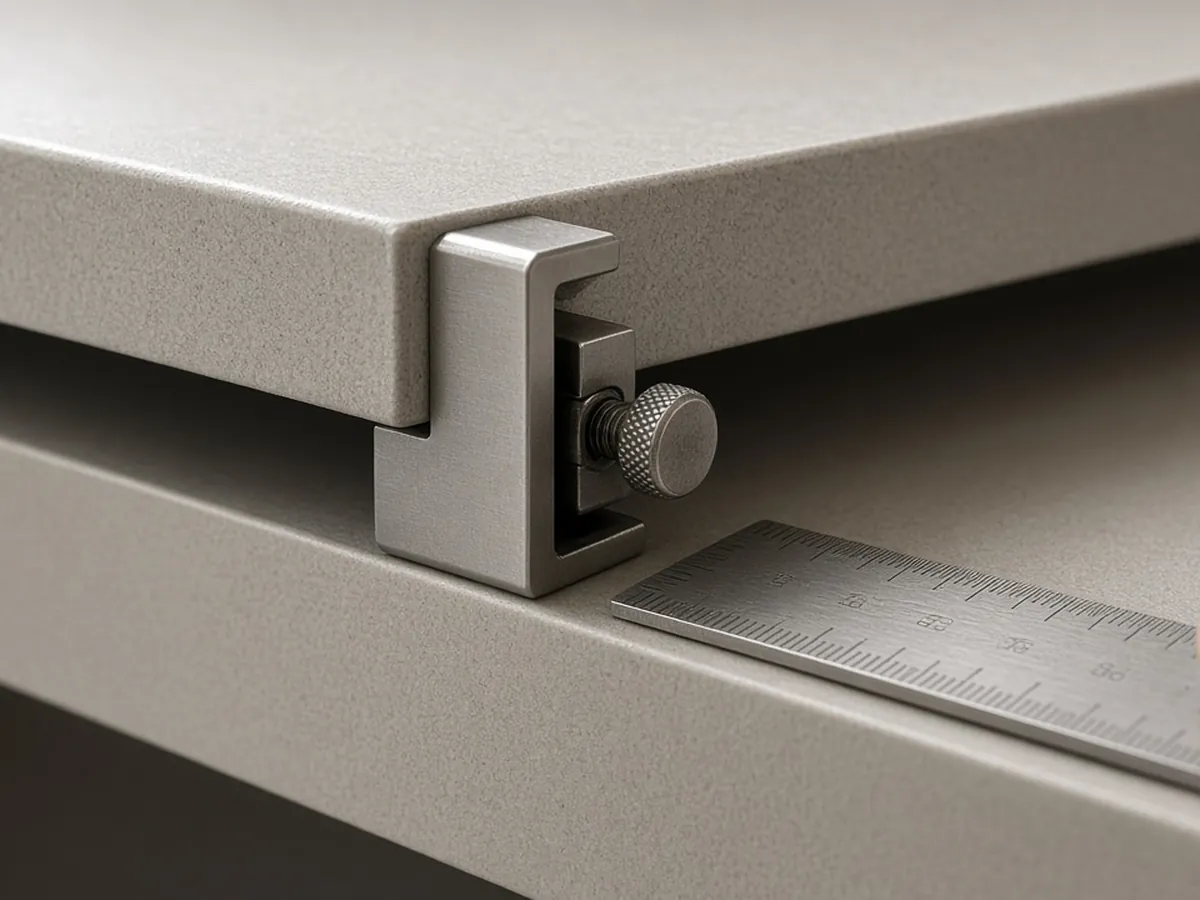
Measure the solid edge where the clamp will grip. Ignore the widest-looking part if it includes a rear lip, cable tray, glass top or hollow trim. Compare the measurement with the clamp range in the listing. If the listing gives no range, ask the seller or skip it. Leave room for the tightening screw, and use the soft pads to protect the finish.
2. Plug spacing, not just outlet count
Three well-spaced sockets can be more useful than six that sit tight against each other. Look at your laptop brick, monitor plug and any wide adapter. Rotated or widely spaced outlets help.
3. Switch and socket access
Under-desk mounting is tidy until a plug needs to come out. The switch and at least the first sockets should be reachable from your chair.
4. Cord reach (standing desks especially)
Measure from the wall outlet to the clamp position with the desk at its highest setting, then add a slack loop. Route the cord down a leg or a cable spine so the lift never pulls on the plug. Many strips have a cord of about 6 ft (2 m). Check that it actually reaches your outlet.
US safety check: what the label should say
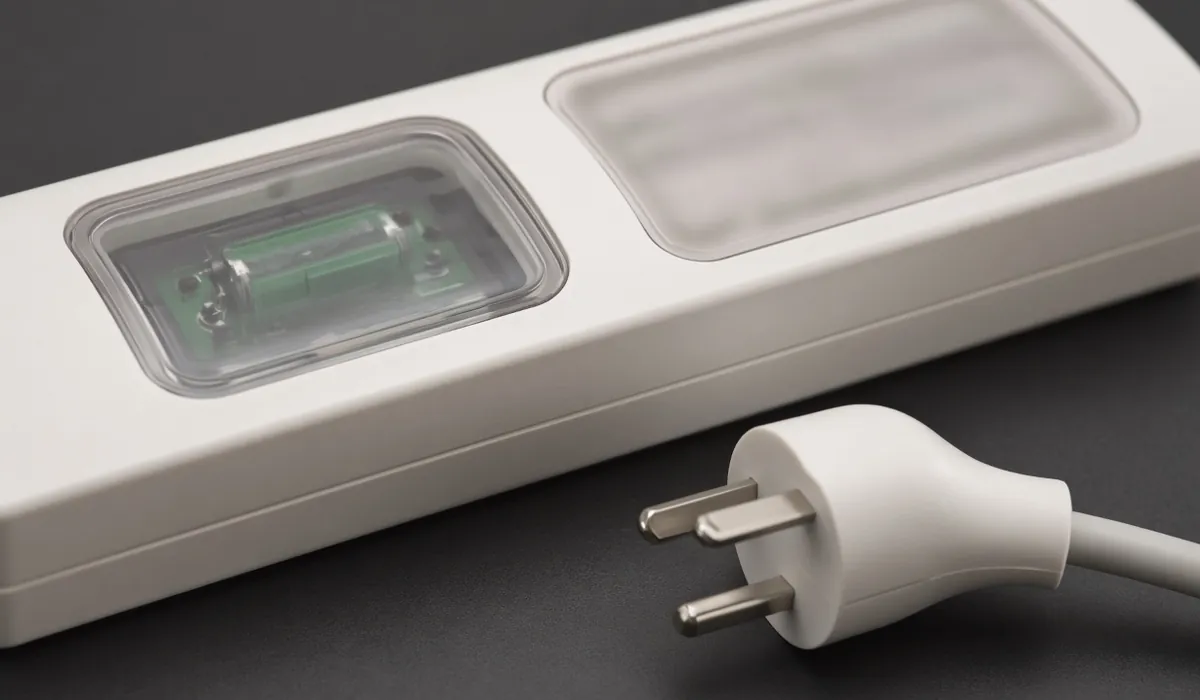
A desk strip is still an extension of the wall circuit, so the boring details matter most.
- Safety listing. In the US, power strips are “relocatable power taps” covered by the UL 1363 standard. Strips designed to be built into furniture fall under UL 962A. Look for a mark from a nationally recognized testing lab (UL, ETL/Intertek, CSA) on the product and in the listing.
- Surge protection claims. A strip sold as a surge protector should also carry a UL 1449 listing, along with its joule rating and clamping voltage. A “surge protection” line in a title with no listing tells you very little.
- Plug, voltage and current. For US outlets, look for a 3-prong NEMA 5-15 plug rated 125 V, 15 A. If a listing shows 250 V, 16 A or a round-pin EU plug, it’s a different regional product.
- Plug it straight into the wall. Don’t daisy-chain a desk strip into another strip or an extension cord. US workplace safety guidance (OSHA and the Office of Congressional Workplace Rights) warns that chained strips can overload and become a fire risk.
- Mind the total load. A strip adds outlets, not circuit capacity. Space heaters and other high-draw appliances don’t belong on a desk strip.
When a listing leaves any of these unclear, skip it. Guessing isn’t worth it with an electrical product.
USB ports: convenient, not automatically a laptop charger
USB-A and USB-C ports are useful for phones, earbuds, lights and receivers. But “USB-C” only describes the connector shape. A port listed as PD 20W is enough for many phones but well below what most laptops draw. Read the per-port output and the total USB limit for the exact variant, and keep the laptop’s own charger on an AC outlet. If you need video or data ports too, a USB-C hub handles that job.
White desk clamp power strips
On a white, oak or birch desk, a white strip disappears into the edge far better than a black one. Color variants often share one listing, so check that the white option has the same plug, ratings and clamp as the variant described in the specs. Sometimes only one color is offered in the US plug format.
How to mount a desk clamp power strip
- Choose the spot. Pick a back or side edge, away from your knees, chair and drawers, and clear of other clamps like a monitor arm or a mic boom arm.
- Check both sides of the edge. The clamp needs flat, solid surfaces on top and underneath. Skip trim, glass lips and hollow trays.
- Pad the finish. Use the clamp’s soft pads, or add a thin rubber pad, so tightening doesn’t dent the desk.
- Tighten by hand. Snug is enough. Overtightening can crack laminate or particleboard.
- Route the cord. Run it down a desk leg or a cable spine to the wall outlet, with one slack loop. On a standing desk, raise the desk to full height and check that nothing pulls.
- Plug it straight into the wall. Not into another strip or an extension cord.
- Test access. From your chair, reach the switch and the first socket. If you can’t, move the strip.
Choose the right strip for your desk
- A small laptop and monitor setup: a compact three- or four-outlet strip on the back or side edge is usually enough. If you use a laptop stand, a monitor arm or a mic boom arm, check that the clamps don’t collide.
- A cleaner under-desk arrangement: confirm the clamp closes on a solid surface, keep the sockets away from knees and a moving chair, and don’t assume a top-edge clamp is stable upside down. To hide the rest, add a cable management tray or follow the five-minute cable reset.
- A height-adjustable standing desk: clamp the strip to the desktop so it rises with the monitor and laptop, and leave one service loop from strip to wall. Test both height limits with the cord relaxed before you tie anything down.
- A desk with many USB accessories: choose a USB-rich layout when it replaces a handful of small chargers, and don’t pay for ports you’ll duplicate elsewhere.
Desk clamp power strip mistakes to avoid
- Clamping to a decorative edge. Thin trim, glass lips and hollow trays may not hold the clamp.
- Hiding the switch. Leave the switch and the cable entry accessible.
- Assuming USB-C means laptop charging. Read the watts.
- Ordering the wrong regional variant. An EU-plug, 250 V strip with a travel adapter is not a US desk solution.
- Daisy-chaining. One strip, straight into the wall.
- Buying the longest cord without planning the loop. Loose slack catches on chairs and lift frames.
Related desk setup guides
FAQ
What is a power clamp for a desk?
It’s a power strip with a built-in clamp that grips the edge of the desk. This puts the AC outlets and USB ports within reach instead of on the floor. It plugs into a normal wall outlet.
What should I look for in a desk clamp power strip?
A compact edge-mount model with three to six AC outlets, clearly rated USB ports and a clamp range that matches your desk thickness. In the US, choose one with a 3-prong 125 V / 15 A plug that is UL or ETL listed.
Is a desk clamp power strip safe?
It can be, if it’s listed by a recognized testing lab for your country, plugged directly into a wall outlet and not overloaded. Avoid strips with unclear ratings and never daisy-chain them.
Can I use an EU desk clamp power strip in the US?
No. EU strips are built for 230–250 V outlets and a different plug. Using one with a travel adapter is not a safe permanent desk setup. Buy a US-rated variant instead.
How thick a desk will a clamp power strip fit?
It depends on the clamp, and many listings don’t say. Measure the solid edge where the clamp will sit, then confirm the clamp’s maximum opening with the seller. Don’t count a rear lip, glass top or hollow trim as part of the edge.
What is the best power strip for a standing desk?
One whose cord reaches the wall outlet at the desk’s highest setting with a slack loop to spare. Clamp it to the desktop so it moves with your devices, and route the cord along a leg.
Is there a white desk clamp power strip?
Yes, many clamp strips are sold in white or black variants. Before ordering the white one, check that it has the same plug, voltage and clamp range as the variant described in the specs.
Can USB ports on a desk power strip charge a laptop?
Usually not on their own. Many strip USB-C ports are rated around 20 W, which suits phones. Most laptops need more, so check the stated output against your laptop’s charger.
Updated 2026-10-21. Ratings and specifications can change — check the label on the strip you buy.