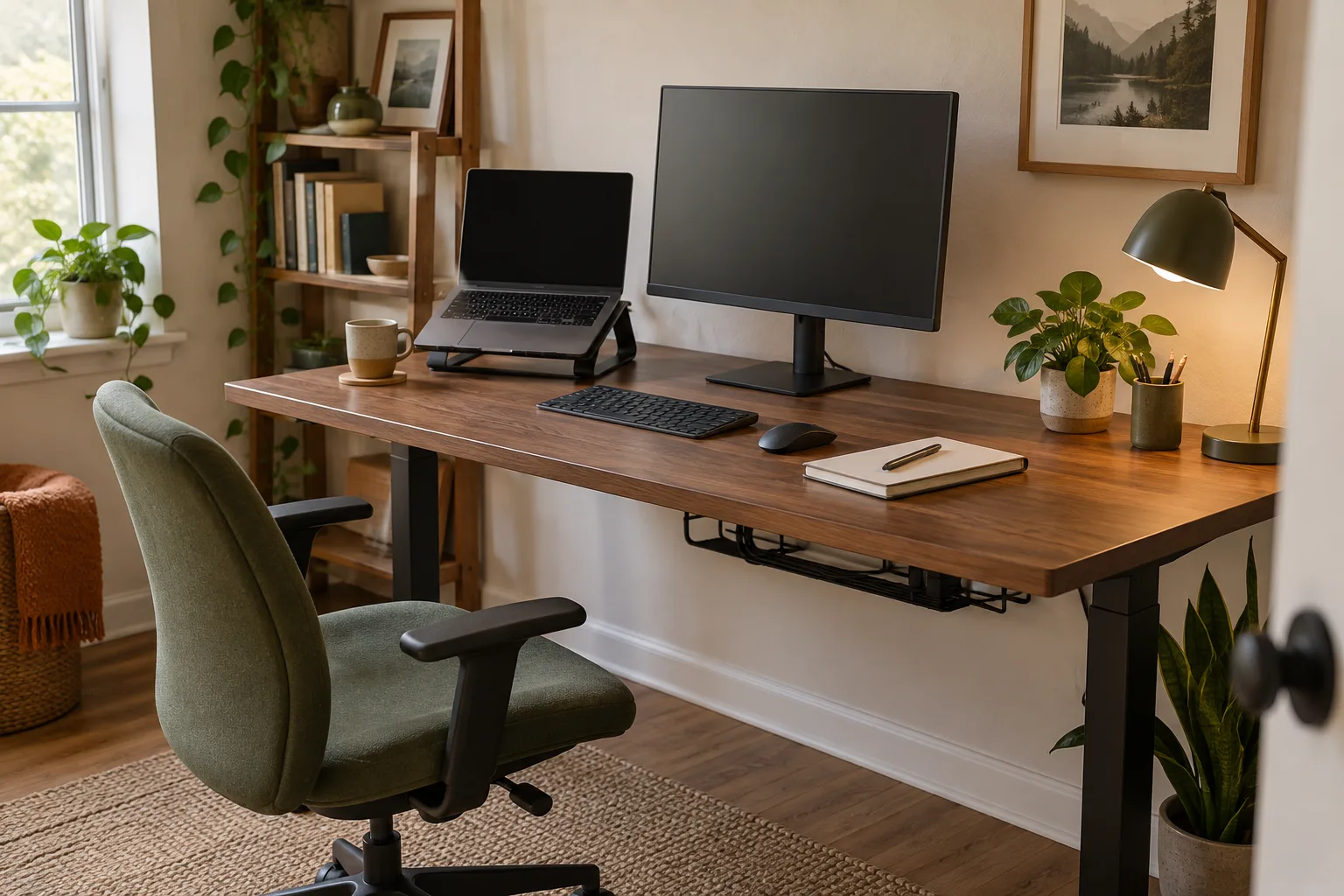
Good home office desk ideas start with a measured work zone. List the tasks you do, the devices you use at the same time, where the chair needs to move, and how power reaches the desk. Then choose a shape and storage arrangement that leave the main work surface clear.
1. Measure the room before comparing desk styles
Measure the wall, door swing, chair path and space for the monitor before browsing photos. Mark the proposed desktop with paper or painter’s tape and sit in the intended position. Leave a clear route around drawers, closet doors and shared furniture. The OSHA workstation desk guide also emphasizes monitor placement, usable leg clearance and arranging frequently used devices within reach; use it as a reference point, then check the fit in your own room.
A small home office desk can work when the equipment fits together without pushing the keyboard or mouse to the edge. Put the screen toward the back, keep the central area available for the current task and move backup supplies into one shelf or drawer. If the room is very narrow, measure chair depth as well as desktop width; the chair needs room to slide out.
2. Choose a layout that matches the work
An “L shaped desk setup” can separate a computer zone from writing, drawing or paperwork. It also occupies a corner and may add useful depth. Check the return length, leg space at the inside corner, outlet locations and whether both screens remain easy to face. In a narrow room, two separate surfaces can block movement even when their total area looks efficient on a plan.
For a desk setup for laptop and monitor, sketch the screen, laptop, keyboard and mouse at their actual sizes. Decide whether the laptop is the primary screen or a secondary display, then reserve room for the keyboard and pointing device in front. A laptop stand changes the footprint but does not create extra desk depth; an external keyboard may still be needed to keep the input zone where it belongs. See the dual-monitor setup guide for cable mapping when more than one computer is involved.
3. Add storage only where it solves a real problem
A home office desk with hutch can move reference books, a task light or small supplies above the work surface. Check shelf depth, the height of the lowest shelf, monitor clearance and reach before choosing one. A hutch that crowds the screen or blocks a window trades one kind of clutter for another. Wall shelves or one nearby bookcase may fit a compact space better.
For a solid-wood home office desk, note the actual top material, frame construction, finish-care guidance and total weight. “Solid wood” can describe only a portion of a desk, while veneer or engineered panels may be used elsewhere; read the maker’s material breakdown instead of inferring it from a product name. Measure the delivery route and confirm whether the frame can be assembled in the room.
4. Make comfort adjustable
An ergonomic home office desk is part of the complete workstation, which includes the chair, screen, keyboard and the way you change tasks. A desk label alone does not establish fit. Check that the keyboard and mouse have a stable shared area, that the screen can sit in a comfortable position, and that desk supports or drawers do not take away needed leg clearance. The OSHA computer-workstation overview explains that there is no single arrangement that suits every person.
5. Use a short planning checklist
- Measure the available footprint and the chair’s full movement.
- Draw the monitor, laptop, keyboard, mouse and lamp to scale.
- Identify what belongs on top, in storage and within reach.
- Check the underside for drawers, crossbars, leg room and cable paths.
- Leave enough open surface for the task that changes most during the day.
- Test a layout before buying by marking the footprint in the room.
Teacher desk setup ideas follow the same logic with one extra question: what must be ready for the next lesson? Keep frequently used materials visible in a small, labeled zone, place student-facing equipment where it can be reached without blocking the main work area, and keep personal items separate from supplies that move between rooms. The best layout depends on the room and the teaching routine, so start with a quick list rather than a decorative theme.
Related reading
- How to set up a home office — a step-by-step room and equipment plan.
- Desk setup ideas for a small home office — compact-surface examples.
- Desk shelves and desk organizers — compare storage jobs before adding accessories.
- DeskSetup Lab topic shelf — browse the existing equipment guides.
Desk design ideas FAQ
What should I decide first when planning a home office desk?
Start with the room dimensions, chair movement, daily tasks and the equipment used at the same time. Those constraints tell you how much desktop depth and storage the layout needs.
Does an L-shaped desk fit every small office?
No. It can use a corner efficiently, but its return can reduce the chair path or block storage. Mark the footprint in the room and check leg space before deciding.
Are wooden desk accessories or personalized accessories necessary?
No. Choose desk accessories made from wood when their finish and size suit the surface; desk accessories can be personalized when a name or layout detail helps, and choose personalized desk accessories only when a name, label or layout detail solves a real organization need. The material and customization are preferences, not proof of better function.