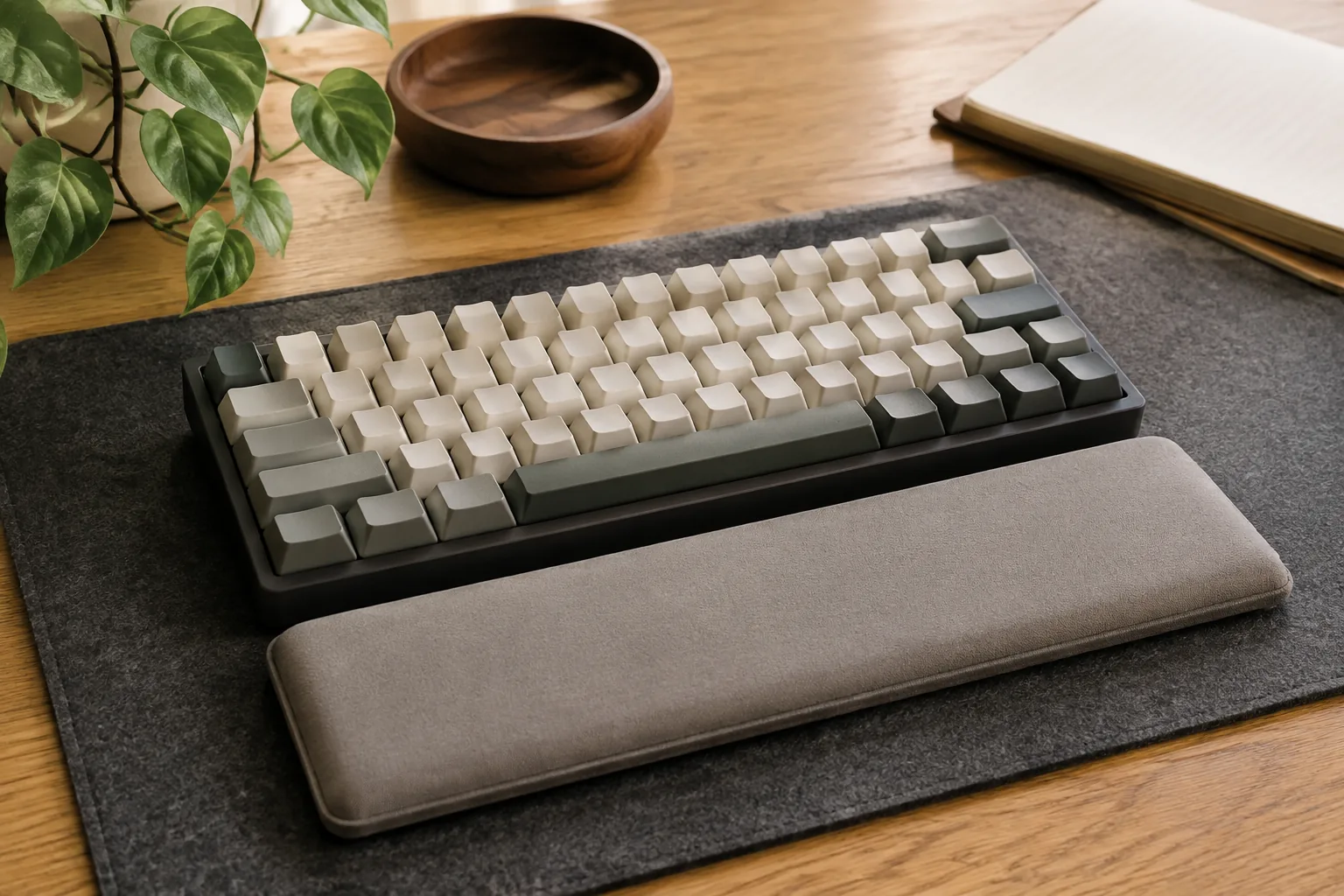
The best keyboard wrist rest matches your keyboard’s outside width, sits level with the front edge of the keycaps, and stays put on the desk. For a keyboard you might change, or any size from 60% to full-size, start with the ECHOME acrylic rest, which comes in six layout widths. For a soft surface under a full-size or 81-key board, choose the memory foam rest. For a firm, wipe-clean surface on a desk that stays set up, choose the walnut rest.
Quick answer
Match the rest to the keyboard, not the other way around.
Mechanical keyboards sit taller than laptop-style boards, so the rest’s job is to fill the gap between the desk and the keycaps without creating a step. Material is a personal choice. Width and height are not.
Our starting point
Exact width · moderate height · stable base
Quick picks
- Best for any layout: ECHOME acrylic wrist rest, listed widths for 60/68/75/87/98/104-key boards.
- Best soft full-size rest: memory foam wrist rest, 81- and 104-key versions with a rubber anti-slip base.
- Best wooden wrist rest: walnut wrist rest, 61/87/104-key versions with an anti-slip mat.
The three keyboard wrist rests worth comparing first
The details below are what each listing states. They are not our measurements. Each listing sells several sizes, so the variant you select decides the fit.
| Wrist rest | Best for | Listed details | Check first |
|---|---|---|---|
| ECHOME acrylic | Any layout, a board you may change | Frosted or clear acrylic; widths from 31 × 8 cm to 42 × 8 cm for 60/68/75/87/98/104 keys | Exact width and height of the selected option |
| Memory foam (81/104 keys) | Soft surface, full-size boards | Memory foam top, rubber anti-slip base, black or white | 81 vs 104-key length against your case |
| Walnut (61/87/104 keys) | Firm surface, fixed desk | Walnut wood, anti-slip mat | Layout, finish and height |
1. ECHOME acrylic wrist rest: best for any layout
Acrylic gives a firm, flat surface that’s easy to wipe. This listing covers the widest range of layouts in the shortlist. It shows widths from 31 × 8 cm to 42 × 8 cm for 60-, 68-, 75-, 87-, 98- and 104-key boards, in frosted or transparent finishes. That makes it the most flexible pick if you own a compact board now and might move to a TKL later. You’d buy the size for the board you use most.
Fit check: height and finish vary by option. Compare the selected option’s height with the front edge of your keycaps.
ECHOME acrylic keyboard wrist rest: frosted or clear acrylic, 60 to 104-key widths (per listing).
2. Memory foam wrist rest: best soft full-size rest
If a hard edge bothers you during long typing sessions, a soft surface is the alternative. The listing describes a memory foam rest with a rubber anti-slip base, in 81-key and 104-key versions, black or white. The 104-key version gives both hands a landing spot across a full-size board, number pad included.
Fit check: choose the 104-key variant for a full-size board and the 81-key for 75%/TKL-sized boards. Compare the length with your keyboard case, not the keycap area.
Memory foam keyboard wrist rest: memory foam, rubber anti-slip base, 81 or 104 keys (per listing).
3. Walnut wrist rest: best wooden wrist rest
Walnut suits a desk with a wood finish and a keyboard that stays in one place. The listing describes a walnut rest with an anti-slip mat in 61-, 87- and 104-key versions. Wood is firm and easy to wipe clean. Because it doesn’t compress, the height must suit your keycaps from the start.
Fit check: confirm the selected layout and finish, and compare the rest’s height with your keyboard’s front row before ordering.
Walnut keyboard wrist rest: walnut, anti-slip mat, 61/87/104 keys (per listing).
How to choose a keyboard wrist rest: 5 checks
1. Measure the keyboard’s outside width
Measure the case from its left edge to its right edge, including any knob or bezel, and compare that with the listing’s width. Layout names are shorthand. Two 75% boards can differ by a centimeter or more. A rest that’s slightly shorter than the case is fine. One much wider will crowd the mouse.
2. Match the height to the front edge of the keycaps
Put a ruler at the front of the keyboard and measure the height of the front edge and of the space bar. The rest’s top should sit near that height, not above it. Too high and you reach over a step. Too low and it does little. Low-profile boards need thin rests, while tall cases with high-profile keycaps need taller ones.
3. Pick the material for how you work
Acrylic and wood are firm and easy to wipe. Memory foam is softer and spreads the contact. Firm suits short, precise sessions and shared desks. Soft suits long typing sessions. Neither is better in general.
4. Check the base
A rubber base or anti-slip mat keeps the rest from drifting, but grip falls on dusty or glossy desks. Wipe the desk and the base now and then. A desk mat gives a more consistent surface.
5. Check the desk depth
A rest adds about 8 cm in front of the keyboard (the acrylic option is listed at 8 cm deep). On a shallow desk, that can push the keyboard back toward the monitor. A keyboard tray can win back the depth.
Which wrist rest fits your keyboard?
| Keyboard | Pick | Variant to choose |
|---|---|---|
| 60%, 65% or 68% | ECHOME acrylic | 60- or 68-key width |
| 75% | ECHOME acrylic, or memory foam | 75-key acrylic, or 81-key foam |
| TKL (87 keys) | ECHOME acrylic, or walnut | 87-key option |
| Full-size (104 keys) | Memory foam, walnut or acrylic | 104-key option |
| Split or ergonomic layout | Measure first | These three are straight, one-piece rests |
How to use a wrist rest: rest on it during pauses rather than planting your wrists on it while you type. Rest the heel of your palm, not the inside of your wrist. Our desk setup for carpal tunnel guide covers chair height, elbow angle and keyboard position. A wrist rest is a desk accessory, not medical treatment. If pain, numbness or weakness persists, see a qualified professional.
Keeping it clean: wipe acrylic and wood with a damp cloth. Follow the care notes for foam. While you’re at it, see how to clean keyboard switches.
Keyboard wrist rest mistakes worth avoiding
- Choosing by key count alone. Measure the case, not the label.
- Ignoring height. A wrist rest that is too tall is the most common comfort mistake.
- Pressing down while typing. Use the rest for pauses and keep your hands moving freely.
- Forgetting desk depth. Rest, keyboard and monitor distance all share the same desk.
Keyboard wrist rest FAQ
What is the best wrist rest for a mechanical keyboard?
One that matches your keyboard’s outside width, sits near the height of the front keycap row and stays put. Here, the ECHOME acrylic rest covers the most layouts, the memory foam rest is the soft full-size option and the walnut rest is the firm wooden option.
How do I choose the right keyboard wrist rest size?
Measure your keyboard case from edge to edge, then pick the listed width or layout option that matches it, for example 87-key for a TKL or 104-key for full-size. Layout names alone don’t guarantee the same outside dimensions.
How high should a keyboard wrist rest be?
About level with the front edge of the keyboard, near the space bar. If it sits higher, you reach over a step. Measure your keyboard’s front height before choosing.
Is a wooden wrist rest better than memory foam?
Not in general. Wood is firm, wipe-clean and doesn’t compress, so its height must suit your keyboard. Memory foam is softer and more forgiving. Height, width and base grip matter more than material.
Should I rest my wrists on it while typing?
It’s generally better to use it during pauses and to rest the heel of your palm, not the inside of your wrist, while your hands move freely. Comfort is personal, and this is not medical advice.
Should a wrist rest be the same width as the keyboard?
Close to it is the simplest choice, especially for TKL and full-size boards. A slightly shorter rest works fine. A much wider one can crowd the mouse.
The bottom line
Measure your keyboard’s width and front height first. The ECHOME acrylic rest is the flexible choice for any layout, the memory foam rest is the soft option for 81- and 104-key boards, and the walnut rest is the firm wooden option for a fixed setup. For a better overall position, see our guides to laptop stands and monitor arms.
The practical starting point
Measure the keyboard. Then check the listing.
Measure first, then compare the three picks above. Confirm the exact variant and the listed size or fit details before you order; prices and availability are set by the retailer and can change.
Return to the picks