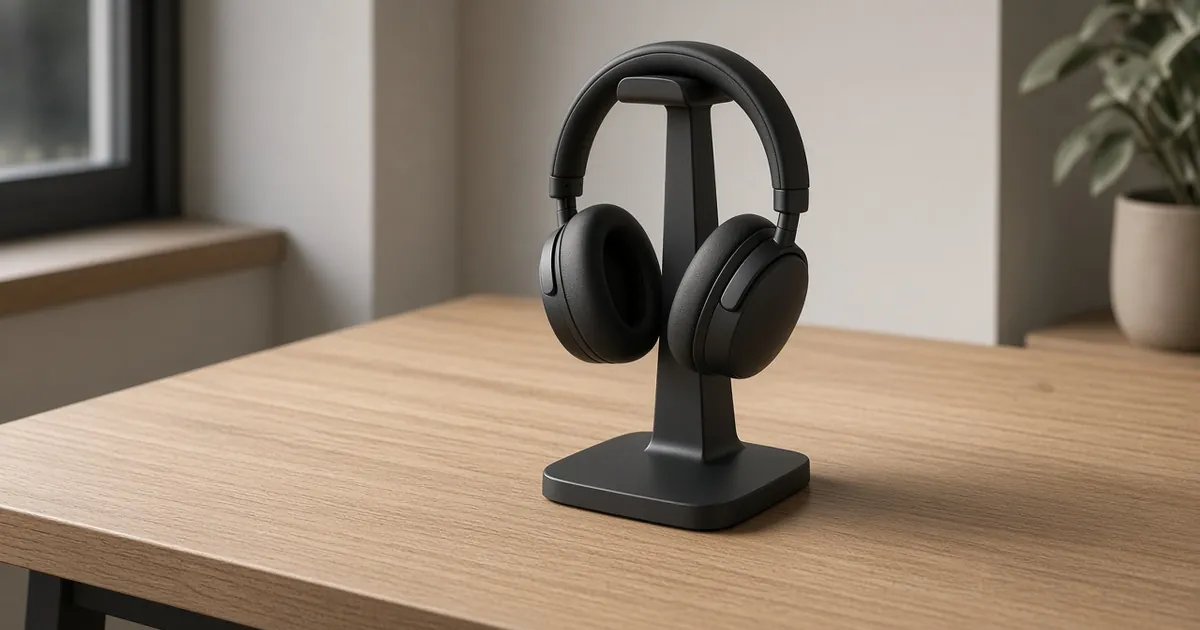
The best headphone stand for most desks is a stable, single-pair tabletop stand with a rounded, wide support and a weighted non-slip base. If your desk surface is already full, an under-desk clamp hanger is the better buy. Choose a stand with USB ports only if you can confirm what the ports actually do.
Quick answer
Choose the storage shape before the finish.
A good headphone stand gives the headset a home, protects the headband and keeps the next session easy to start.
Start with
fit · daily use · verify
Quick picks
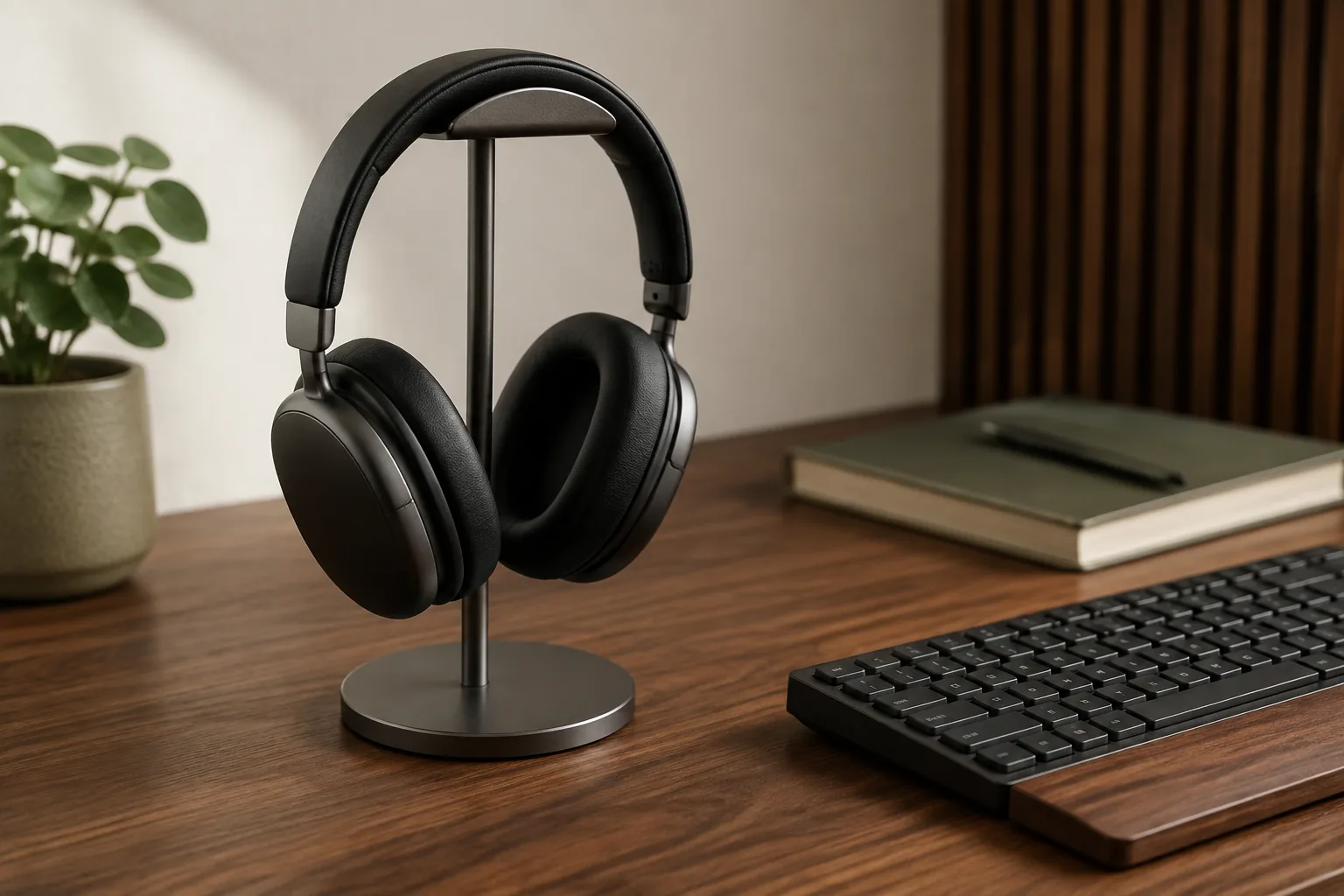
- Best tabletop headphone stand: alloy headphone stand with a solid base. The simple one-pair default.
- Best under-desk hanger: KWIFOTOS four-port USB headphone hanger. It clamps under the desk and adds USB ports.
- Best-looking stand: wood and metal headphone stand, for a visible setup and larger over-ear headphones.
Check the current price and variant on each listing.
Quick picks: which headphone stand type fits?
| Stand type | Best for | Check first | Trade-off |
|---|---|---|---|
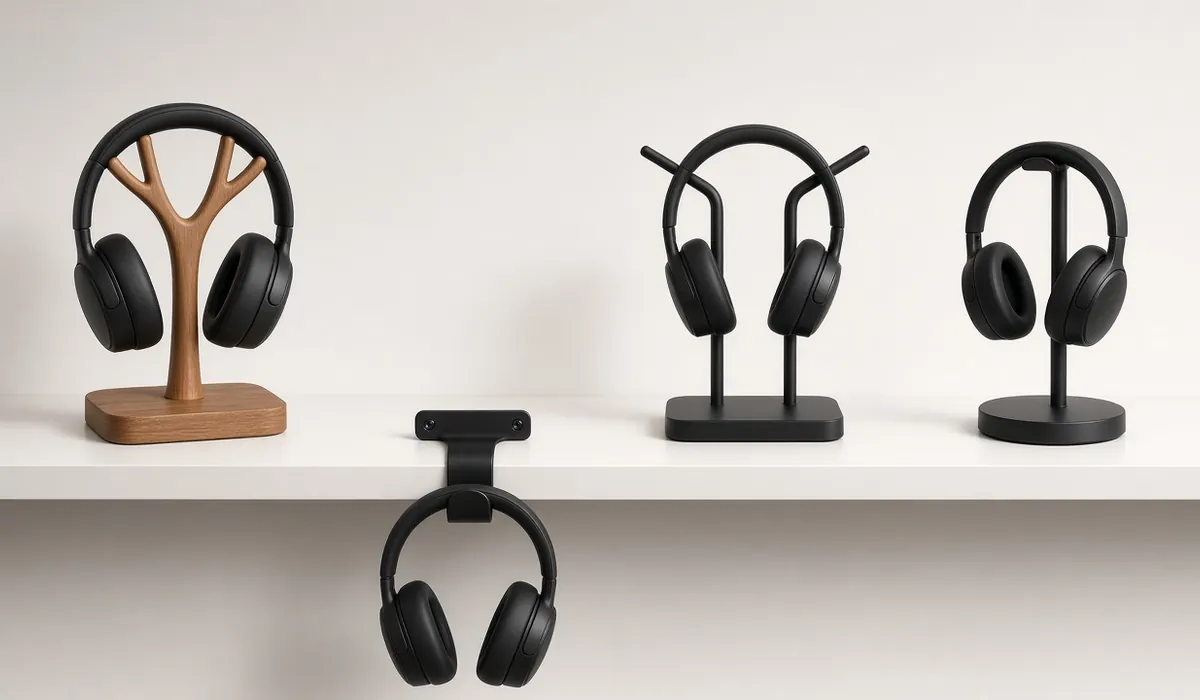
| Weighted tabletop stand | One pair that stays visible and easy to grab | Support width, base depth, non-slip feet | Uses desk surface |
| Under-desk clamp hanger | Small or crowded desks | Desk-edge thickness, knee and drawer clearance | One mounting point; less visible |
| Stand or hanger with USB ports | Gaming desks, wireless dongles | Data vs charging, power input, cable length | More cables and more to verify |
| Headset charging stand/dock | Wireless office headsets | Fit with your exact headset model | Usually works with only one headset model |
The three headphone stands worth comparing
| Pick | Type | Mount | Listing details | Listing signal | Verify before ordering |
|---|---|---|---|---|---|
| Alloy headphone stand with solid base | Tabletop | Freestanding | Aluminum-alloy frame, solid base | 5.0 from 1 review | Support width for broad headbands |
| KWIFOTOS four-port USB headphone hanger | Under-desk hanger | Clamp | 360° adjustable arm, cable clip, 4 USB ports | Not shown | USB output and data mode, clamp range |
| Wood and metal headphone stand | Tabletop display stand | Freestanding | Real wood and metal; mentions AirPods Max | Not shown | Base size, finish, variant |
Support width, clamp range and USB output aren’t stated in these listings, so the table doesn’t give them. The alloy stand’s 5.0 rating comes from a single review, which tells you very little.
1. Alloy headphone stand with solid base: best tabletop stand
The listing describes an aluminum-alloy frame on a solid base for storing headphones on the desk. It’s the straightforward one-pair option for a conventional desk: you set the headset down one-handed and pick it up the same way.
Good fit for: a single pair of over-ear or on-ear headphones on a desk with a free corner.
What to check:
- The support width against your headband’s widest point, especially if it’s broad or heavily padded.
- The base footprint against the free space beside your keyboard or monitor.
- Non-slip feet, so the stand doesn’t slide when you lift the headset away.
Alloy headphone stand with solid base: check the current price and finish.
2. KWIFOTOS four-port USB headphone hanger: best under-desk hanger
The listing describes an adjustable 360° arm on a clamp for mounting under the desk, a built-in cable clip and four USB ports. Hanging the headset under the desk edge frees the whole surface, and the swiveling arm lets you tuck it away or swing it out.
Treat the USB ports as convenience until the listing confirms their output and whether they carry data. They’re useful for a wireless dongle or a short charging cable, but they aren’t proof of a charger.
Good fit for: small or crowded desks, gaming desks and setups with a wireless headset dongle.
What to check:
- The clamp range against your desk thickness, and anything underneath where the clamp sits.
- What the USB ports need: whether they need an upstream cable to a computer or power source, and what they output.
- Room for the ear cups to hang without touching your knees or a drawer.
KWIFOTOS four-port USB headphone hanger: confirm the USB details and check the current price.
3. Wood and metal headphone stand: best-looking stand
The listing describes a real-wood and metal desktop stand in a display-shelf format and mentions gaming headsets and larger over-ear headphones such as AirPods Max. It’s the pick for a setup where the stand is on show and the materials should match a wood desk or shelf.
Good fit for: visible desk setups, wood desks and larger over-ear headphones.
What to check:
- The base size and the exact finish of the variant you select.
- The support shape under the headband, if your headphones have a mesh or leather band.
- The height, so larger ear cups hang clear of the base.
Wood and metal headphone stand: check the current price, finish and size.
Measure 4 things before you buy
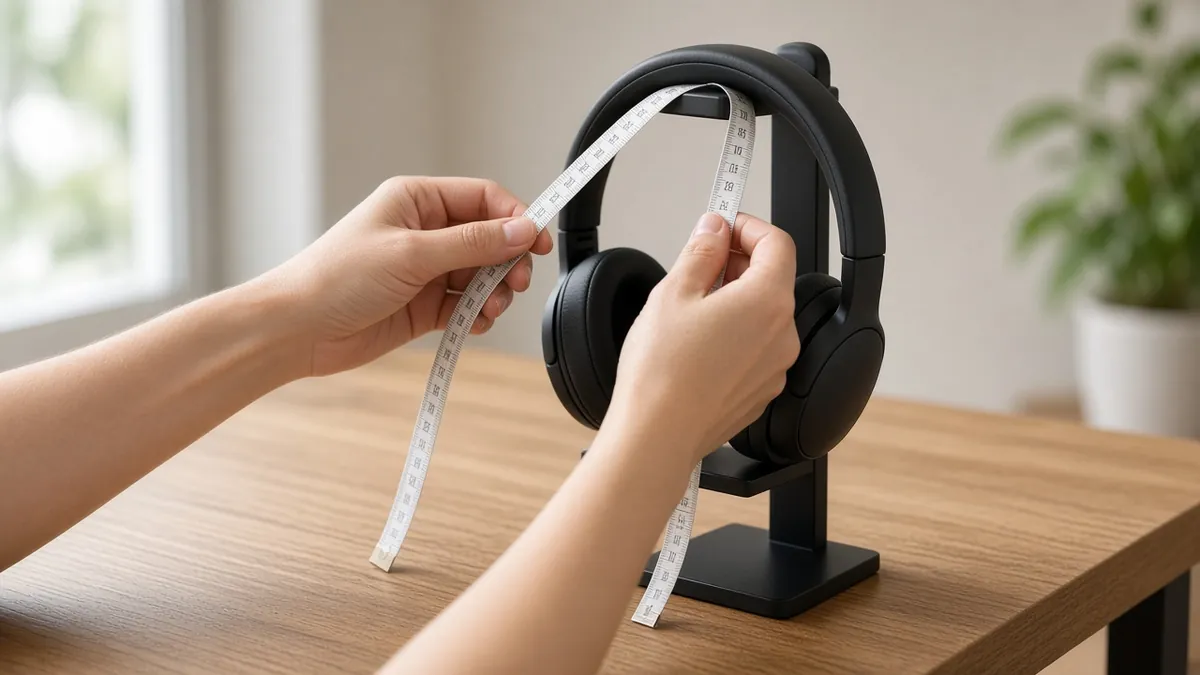
- Headband width. Measure the widest part of your headband. The stand’s support should be at least that wide and rounded, so pressure spreads instead of pressing a dent into the padding.
- Desk edge (for clamp hangers). Measure your desktop’s thickness and compare it with the clamp range on the listing. Check for a frame rail, drawer or cable tray right where the clamp would sit.
- Hang height. The ear cups need room to hang without touching the desk, a drawer front or your knees.
- Cable path. Put the stand where the cable rests naturally, outside your mouse sweep and away from the monitor arm base.
What makes a headphone stand worth buying?
Support the headband, not just the ear cups
The contact point should be rounded or broad enough to spread the weight across the headband. A narrow metal hook can hold a headset and still leave a concentrated mark on padded or leather-wrapped bands. If a listing doesn’t give the support width or surface material, check it yourself in the photos or ask the seller.
Treat base stability as the first feature
A weighted headphone stand should stay put when you lift the headset away. A wide footprint, a low center of gravity and a non-slip base matter more than an extra decorative tier. A very deep stand can collide with your keyboard, and a very light one slides when a cable catches.
Read USB and charging claims literally
A headphone stand with USB can be handy for a dongle or an accessory cable that’s otherwise out of reach. But a USB socket isn’t automatically a charger. Some ports carry data, some only supply power, some are pass-through, and some only work once an upstream cable is connected. For more than a dongle, a dedicated USB-C hub is usually clearer.
Keep under-desk hangers clear of your knees
An under-desk hanger frees the surface, but the headset now hangs where your legs go. Clamp it near a desk leg or a corner rather than in the middle of the front edge, and check the swing of a 360° arm before you tighten it.
Two pairs need real separation
If two headsets share one station, look for supports far enough apart that the ear cups and cables don’t tangle, and a base or clamp that stays stable with uneven weight. Two simple stands are often easier than one crowded dual stand.
“Headphones with stand”: bundles vs. separate stands
Some people searching “headphone with stand” want headphones that come with a stand. That mostly means wireless office headsets sold in a “with charging stand” bundle, such as certain Jabra Evolve2 65 and Poly Voyager Focus 2 packages. Those stands are small charging docks shaped for one specific headset. They aren’t general-purpose hangers.
- Want charging? Buy the headset’s own charging-stand bundle or accessory. It’s the only reliable fit.
- Want storage for any headphones? A separate stand or hanger from the shortlist above works across models.
- Have both? Keep the dock for the work headset and use an under-desk hanger for a second pair.
Choose the best headphone stand for your setup
- A calm everyday workstation: a weighted tabletop stand with a rounded top support, outside the mouse path and away from the monitor stand.
- A small or shallow desk: an under-desk clamp hanger is often a better upgrade than a taller desktop tower. It pairs well with a laptop stand if you’re rearranging the whole desk.
- A gaming desk: keep the headset clear of the mouse sweep and controller charging. An under-desk hanger with USB can make a dongle easier to reach, but don’t let RGB or port count decide for you.
- A streaming or podcast desk: if a mic boom arm clamps to the same edge, mount the hanger on the other side so the arm and the headset don’t collide.
- A visible setup: a wood-and-metal stand that matches the desk.
Headphone stand mistakes to avoid
- Buying by appearance alone. A handsome stand can still have a narrow contact point or a shallow base.
- Trusting “universal fit.” Over-ear cups, wide gaming headbands and on-ear designs make different demands. Check dimensions.
- Hanging a heavy headset from an unverified adhesive hook. Adhesives need a clean surface, a suitable load rating and time to cure.
- Confusing USB access with charging. Confirm the power path first.
- Letting the cable become the new clutter. For the rest of the desk, see desk cable management.
Related desk setup guides
FAQ
What is the best headphone stand for a desk?
For most desks, a stable single-pair stand with a rounded, wide support, a weighted non-slip base and enough width for the headband. Choose an under-desk hanger when saving surface space matters more than display.
Is an under-desk headphone hanger better than a stand?
It’s better on small or crowded desks because it frees surface space. A tabletop stand is easier to reach and doesn’t depend on your desk edge. Measure desk thickness and leg clearance before choosing a hanger.
Is a headphone stand with USB worth it?
Only if the ports are easy to reach and the listing clearly states whether they support data, charging or both. Don’t treat a USB socket as a charger until its output and power source are explained.
Are there headphones that come with a stand?
Yes. Some wireless office headsets are sold in bundles with a charging stand, for example certain Jabra Evolve2 65 and Poly Voyager Focus 2 packages. These docks fit only that headset, so for general storage a separate stand is more flexible.
Do headphone stands damage headbands?
A narrow or sharp support can leave a pressure mark on padded or leather headbands over time. A wide, rounded support spreads the load and avoids that.
Is a headphone stand worth it?
Yes, if your headphones currently sit on the desk or hang off the monitor. A stand keeps the headband in shape, keeps the cable off the desk and makes the headset quicker to grab. If you rarely take them off, you don’t need one.
Updated 2026-10-21. Product details and links can change — confirm the current listing before you buy.