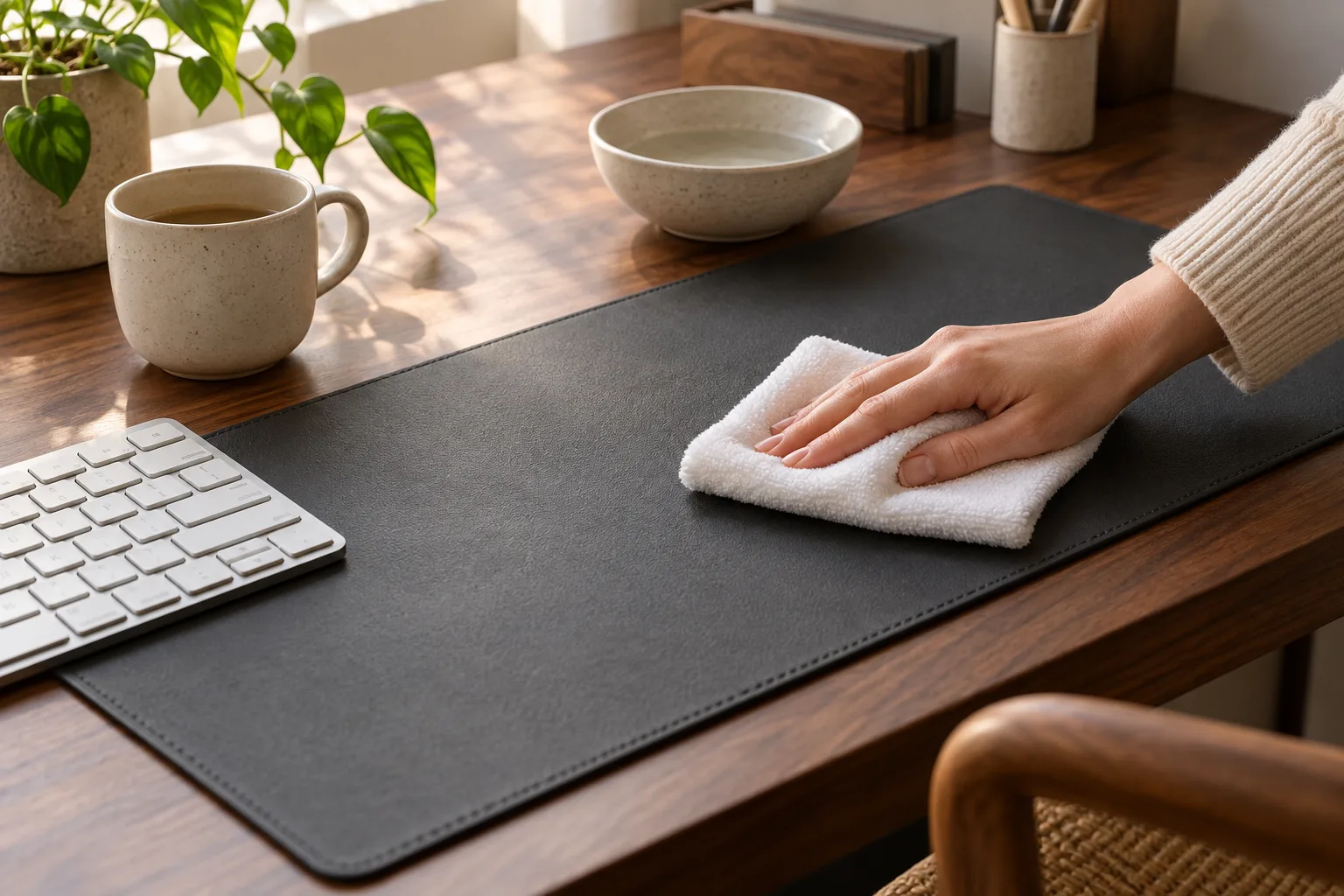
To clean a desk mat safely, start by identifying the surface and backing, remove loose dust, then wipe a small area with a barely damp soft cloth. Use only a little mild, diluted soap if the material allows it, lift the residue with a clean cloth and dry the mat flat. The important part is restraint: a desk mat can look tough while its stitched edge, printed top layer or rubber backing is less forgiving than the desktop underneath.
1. Check what your desk mat is made of
“Desk mat” and “desk pad” describe a shape, not one material. The top may be vegan leather, coated fabric, felt, wool, cork, synthetic leather or a printed textile. The underside may be rubber, foam, silicone or another non-slip layer. Each combination reacts differently to water, alcohol, heat and friction.
Before you clean, look for a care label, product page or manufacturer note. If you no longer have one, inspect the edge and choose the gentlest approach: dry dusting, a hidden spot test and as little moisture as possible. Do not assume a machine-washable textile mat is built like a laminated leather-look pad, and do not assume a plain-looking surface has no printed coating.
Use a soft cloth, cool or lukewarm water and light pressure. Test first, keep the mat flat and never store it rolled while damp.
| Surface | Starting method | Watch for |
|---|---|---|
| PU or vegan leather | Dry dust, then barely damp cloth; mild soap only after a spot test. | Over-wetting, alcohol, oils and aggressive rubbing. |
| Rubber-backed fabric | Vacuum or brush, then gentle hand wipe; dry flat. | Water at seams, heat and a backing that stays damp. |
| Felt or wool | Lift dust gently and follow the maker’s textile instructions. | Scrubbing, soaking, shrinkage and a fuzzy surface that pills. |
| Cork or coated print | Minimal moisture and a soft cloth. | Standing water, steam and damage to the top finish. |
2. Remove the loose layer first
Move the keyboard, mouse, notebook and cup away from the mat. Shake a small flexible mat outdoors or over a bin only if the backing will not crease. Otherwise, use a soft brush, lint roller or vacuum on a low setting. Hold a thin edge down instead of dragging the mat across the desk.
Pay attention to the seam and corners. Dust often collects where the wrist rests and where the mat meets the desk edge. Removing that dry layer before adding water keeps grit from turning into a fine abrasive paste during the wipe.
3. How to clean a desk mat with a gentle wipe
- Clear a drying area. Choose a flat, clean surface larger than the mat. Keep it away from a radiator, direct sun and the edge of a table.
- Mix less than you think. If the care instructions allow soap, use a small amount of mild detergent diluted in water. A cloth should be damp, not wet enough to leave a trail.
- Work in sections. Wipe in overlapping passes with light pressure. Start at the cleanest edge and move toward the dirtier area so you can see whether the cloth is lifting the mark.
- Lift the residue. Use a second cloth dampened with plain water, or the method specified for the material. Soap left on the surface can make a pad feel tacky and attract more dust.
- Dry flat. Press with a clean towel if the material tolerates it, then leave the mat completely flat until the top and backing are dry.
For a small spill, this same sequence can be shorter: blot rather than scrub, remove the residue, then let the spot dry. Scrubbing a wet coffee ring in a circle can spread the edge of the stain and create a polished patch on a matte surface.
4. How to clean a desk pad by material
PU, vegan leather and smooth coated surfaces
These surfaces usually respond better to several light passes than to a saturated cloth. Keep water away from stitched edges, lift it quickly and let the pad dry naturally. Avoid household glass cleaner, disinfectant wipes, alcohol and oils unless the manufacturer explicitly lists them as compatible. A solvent can change color or sheen even when the mark disappears.
Rubber-backed fabric
A rubber-backed deskmat can hold moisture underneath even when the top feels dry. Clean both sides only as far as the care instructions permit, wipe away residue and leave it open and flat with air around it. Do not fold it over a chair or roll it to speed storage. If the rubber smells strongly after cleaning, give it more time to air out rather than covering it.
Felt, wool and soft textile
Use the least aggressive method first: brush or vacuum gently, then spot-clean according to the textile instructions. Felt and wool can change shape or texture when soaked and rubbed. If the mat has absorbed a large spill, professional textile cleaning may be safer than improvising a bath in the sink.
Cork and printed desk mats
Keep the surface nearly dry. Cork can swell or stain, while a printed top layer may lose its finish under heat or friction. Blot marks, use a soft cloth and stop if color transfers to the cloth. When the maker’s instructions are unavailable, a spot test is more useful than a confident all-over treatment.
5. What not to do
- Do not put it in a washing machine by default. A stitched edge, laminated top or rubber backing may warp, split or delaminate.
- Do not use bleach or strong solvents. They can change the color, sheen or grip of the mat.
- Do not pour water over the deskmat. Liquid can travel into seams and stay against the backing.
- Do not use a hair dryer or radiator. Concentrated heat can curl, shrink or soften layers.
- Do not roll it while damp. Give both sides time to dry before putting it back on the desk or into storage.
- Do not chase a stain forever. Repeated rubbing can make a clean-looking but visibly different patch.
6. Build a small maintenance rhythm
The easiest way to avoid a difficult deep clean is to remove the easy dirt before it bonds with the surface. Once a week, clear the desk, brush or wipe the mat and clean the area under the keyboard. After a spill, blot it while it is still fresh. If you eat at the desk, inspect the front edge and mouse area more often than the middle of the mat.
When you return the mat, check that the desk itself is dry and free of grit. A clean mat on a dusty desktop can collect particles underneath and create small pressure points. Place the keyboard and mouse back only after the surface lies flat and the backing has regained its normal grip.
This small reset is part of a calmer workspace. For the surrounding routine, see our desk drawer organization guide and the five-minute cable reset. They solve different kinds of friction, but both start with making the next action obvious.
Desk mat cleaning FAQ
How often should I clean a desk mat?
Brush or wipe away loose dust regularly, then do a deeper clean when the surface feels tacky, shows visible marks or has absorbed a spill. The interval depends on the material, room and how much you eat or drink at the desk.
Can I put a desk mat in the washing machine?
Only if the manufacturer specifically allows it. Many mats have stitched edges, laminated surfaces or rubber backings that can warp, split or delaminate in a machine. Hand-cleaning is the safer default when instructions are missing.
What can I use to clean a desk pad?
Start with a soft cloth and a small amount of mild, diluted soap if the material instructions allow it. Test an inconspicuous area first, avoid soaking and dry the mat flat away from direct heat.
How do I clean a deskmat with a rubber backing?
Use a lightly damp cloth, keep water away from seams and backing edges, remove soap residue and let the mat dry flat. Do not fold or roll it while damp.
This is an informational care guide. Always follow the care instructions for your specific desk mat or desk pad, especially when the material, coating or backing is unknown.
If you searched for how to clean desk mat, how to clean desk pad or how to clean a deskmat, the same principle applies: confirm the material, use minimal moisture and let both layers dry flat.