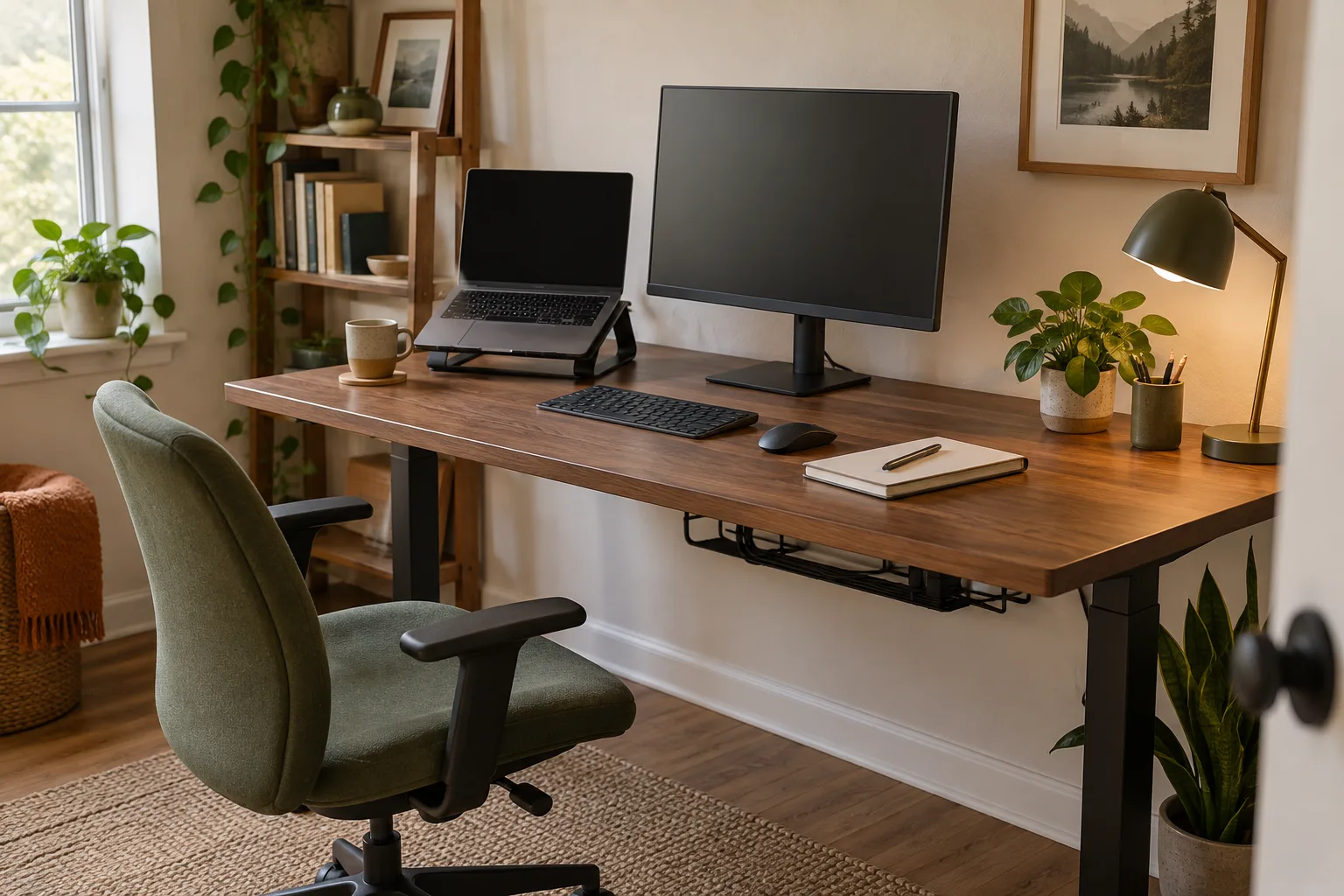
A useful desk organization system for ADHD makes the next action easy to see: keep one active task in the main work zone, put everyday tools in a predictable place and use one visible tray for incoming items. Choose a few broad zones instead of a detailed filing system you have to remember to maintain. If an item repeatedly disappears or lands in a pile, change its home or make that home easier to reach.
Quick answer
Build for the task in front of you.
Use three visible areas: today’s work, everyday tools and things that still need a decision. Keep backups and rarely used items outside the main reach zone. Make the reset short and attach it to a transition you already have, such as ending a call or closing the laptop.
Start with
one task · clear homes · quick reset
Start with the workday, not a storage catalog
Before buying organizers, notice what happens during one ordinary work block. Which items do you reach for repeatedly? What interrupts you while you search? What stays on the desk because putting it away takes too many steps? A five-minute observation gives you a more useful plan than sorting every object into an ideal category.
Keep the main surface for the current task. A laptop, monitor, notebook or drawing tablet may need the centre; frequently used tools should sit close enough to return without standing up. Let the desk show what is active now, while backups and objects for another task move to a nearby shelf, drawer or box.
Use three simple zones
| Zone | What belongs there | Make it easy by |
|---|---|---|
| Today | The one project, document or device you are using now. | Keeping the centre clear of unrelated items. |
| Everyday tools | Pen, charger, headphones or other tools you reach for often. | Giving each a visible, nearby home. |
| Incoming / decide | Notes, mail and objects that need a next step. | Using one tray with a capacity limit and a regular review. |
These are functions, not rigid containers. If a single open tray works better than three boxes, use the tray. If the desk is shared, give each person one clearly marked area and agree on what can remain overnight.
Choose storage by what you need to notice
Open trays, shallow bins and a small number of labels can make frequently used items easier to scan. Closed drawers and lidded boxes can be useful for backups, but they may add a step when you need something many times a day. Try the simplest format first and see whether the object returns to its home naturally.
Visible storage can also become visual noise. Keep the number of items in view small, group related tools together and move supplies you rarely use farther away. If a label helps, use a short word such as “today” or “cables” rather than a detailed inventory. The best amount of visibility is personal: enough to cue the next step, not so much that every object competes for attention.
For drawer-based storage, our desk drawer organization guide covers broad zones, dividers and a desk with no built-in drawers. For a whole-room setup, use the home office setup guide to check the chair, screen and lighting around the desk.
Make the start of a task take fewer decisions
Keep a small “start here” group near the place where work begins: perhaps a notebook, a pen and the one cable or reference you need. Put the most commonly used item where your hand already goes. If a tool needs to be charged, label its cable or reserve an outlet so the missing piece is easier to spot.
Put a visual cue at the point of use. A short list beside the monitor can hold the next three steps; a folder on the active-work area can collect papers for one project. Avoid spreading reminders across sticky notes, phone alerts, email and several apps at once. Pick a cue you already notice and adjust it if it becomes background clutter.
For a two-computer setup, a dual-monitor KVM plan can reduce cable and switching confusion. For loose cords that keep returning to the work surface, try the five-minute cable reset before adding another organizer.
Use a reset that matches your day
There is no required daily routine. Some people prefer a two-minute reset before lunch; others do better at the end of a work block or when closing the laptop. Choose a moment that already happens, then try this small sequence:
- Move anything from another project off the main work zone.
- Return the few everyday tools you used to their visible homes.
- Put unfinished notes in the incoming tray or the active project folder.
- Leave one clear patch of surface for the next task.
If the tray fills up, sort only enough to decide the next action: file, reply, schedule or recycle. If the reset gets skipped, reduce it rather than adding more reminders. A useful system recovers after an untidy day without requiring a full weekend cleanup.
When a desk organization idea is not working
If a container stays empty while items collect beside it, move it closer or replace it with an open tray. If the main desk becomes a storage shelf, reduce the number of “active” projects in view and move the rest to one nearby holding area. If visual clutter is distracting, cover or relocate supplies that do not belong to today’s work.
Try changing one feature at a time for a few days. Keep what makes the routine easier and remove what adds friction. ADHD looks different from person to person, so a desk organization idea is a practical experiment, not a universal rule or medical treatment.
Desk organization for ADHD FAQ
How do I organize a desk with ADHD?
Create a small number of visible zones: one for the current task, one for everyday tools and one incoming tray. Give items simple homes near where they are used and test a short reset that fits your routine.
Should ADHD desk storage be open or closed?
Try open, easy-to-scan storage for items you need to remember or reach often, and closed storage for backups or things that distract from the current task. Choose based on what you actually use.
How can I keep an ADHD desk organized?
Make the return path short, keep only one active project on the main work surface and use a brief reset at a natural transition. If the system is hard to maintain, simplify or move the zones.
Is desk organization a treatment for ADHD?
No. This is a practical workspace guide, not medical advice or treatment. People differ, so adapt the setup to your preferences and seek professional support for health questions.
Move one frequently used object to a visible home, clear one work zone and see whether the next task starts with less searching.